
This document provides information on the operation and usage tips for the shooting and playback functions of this product. Users are advised to read this manual carefully before use to fully understand the various features of the product.
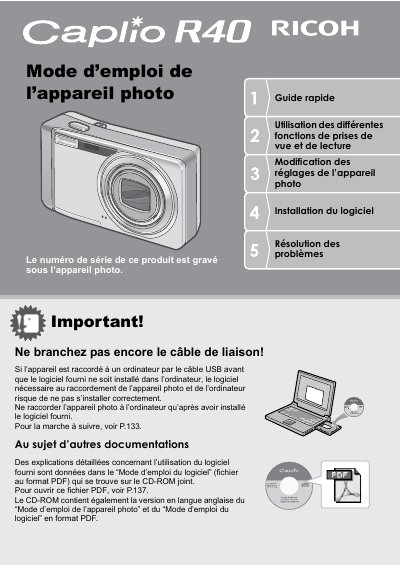
This manual provides instructions for the Ricoh Caplio R4Q digital camera. It covers essential safety measures, initial setup including battery installation and memory card usage, and basic operation procedures. The guide explains how to use the camera's features for taking photos and recording movies. This manual is written in French.
| Zoom optique | 5.7x (28-160mm equivalent) |
|---|---|
| Obturateur | 0.1 seconde |
| Macro | 1 cm |
| Flash | 14 cm (Téléobjectif) ou 20 cm (Grand angle) |
| Vidéo | 320 x 240 pixels à 30 ips |
Yes, you must install the provided software before connecting the camera via USB.
The camera can focus as close as 1 cm for macro photography.
Yes, you can connect the camera directly to a compatible printer using the USB cable.