
Introduces the features and capabilities of the Xilinx® Versal™ ACAP and provides a reference design for a Xilinx® Versal™ ACAP. The reference design integrates the Xilinx® Versal™ ACAP, FPGA, SoC, and other peripherals and provides guidance for developing and using the Xilinx® Versal™ ACAP.
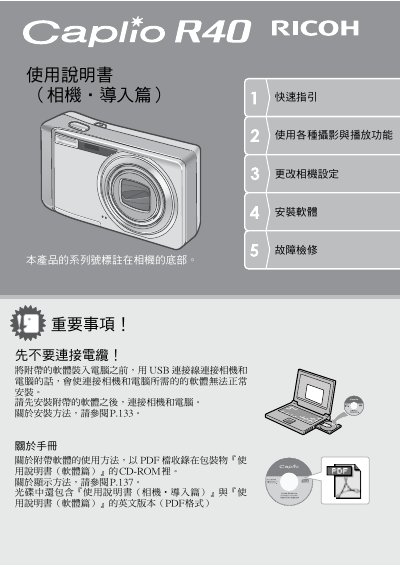
This manual provides instructions for using the Ricoh Caplio R40 digital camera. It covers essential topics such as installing the battery and memory card, turning the camera on and off, and configuring basic settings like date, time, and language. The guide also explains how to connect the camera to a computer via USB for software installation and image transfer. This manual is written in Spanish.
| Zoom range | 28 mm (wide) to 160 mm (telephoto) |
|---|---|
| Zoom factor | 5.7x optical zoom |
| Macro focus distance | 1 cm |
| Flash macro distance | 14 cm (telephoto) or 20 cm (wide) |
| Video resolution | 320 x 240 pixels |
| Video frame rate | 30 fps |
The camera body is only 26 mm thick.
The shutter lag time is approximately 0.1 seconds.
Macro photography can be done at a distance of only 1 cm.