
This document is the product manual for a brand of headphones. It mainly introduces the basic functions and usage methods of the headphones. The headphones use Bluetooth connection and can be connected to smart phones and other devices. The headphones have a noise reduction function that can effectively reduce ambient noise. The headphones also have volume adjustment, call functions, etc.
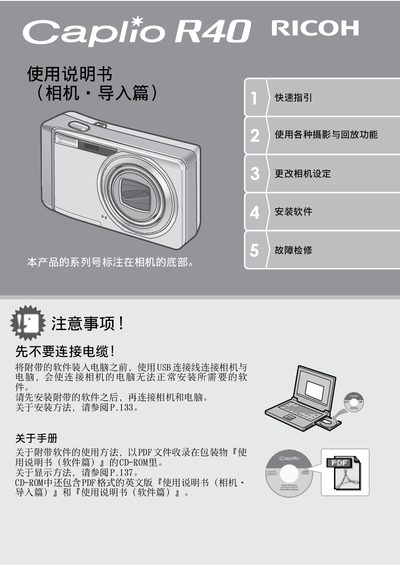
This user manual covers the operation of the Ricoh Caplio R40 digital camera, including quick start guides, detailed photography functions, and image playback. It explains how to use the 5.7x optical zoom lens, various autofocus modes, and scene modes to capture high-quality images and videos. The guide also details how to transfer images to a computer using the included ImageMixer software or via direct printing. This manual is written in Chinese.
| Optical Zoom | 5.7x |
|---|---|
| Focal Length (35mm equiv.) | 28mm to 160mm |
| Body Thickness | 26mm |
| Shutter Speed | Approx. 0.1 sec |
| Macro Focusing Distance | 1cm |
| Video Resolution | 320x240 pixels |
| Frame Rate | 30 frames/sec |
Connect the camera to the computer using the included USB cable after installing the software.
The camera supports macro photography at a distance of 1cm.
Yes, you can connect the camera to a compatible printer via USB to print images without a computer.
The included ImageMixer software allows for image management, editing, and creating animation CDs.