
This document is a user manual for Ricoh cameras, which introduces the functions and usage methods of Ricoh cameras
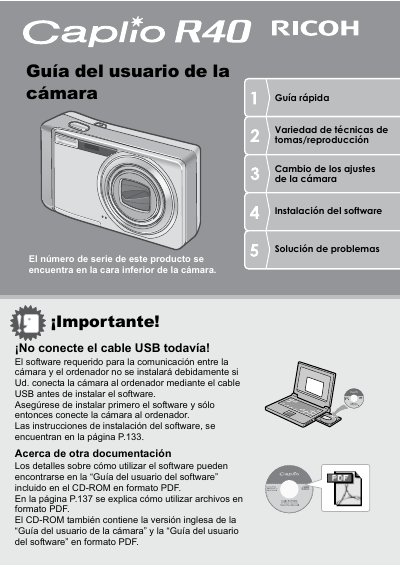
This manual provides instructions for using the Ricoh Caplio R40 digital camera, including safety precautions, battery installation, and camera setup. It details how to take photos using various modes, utilize the built-in flash, and perform macro photography. The guide also explains how to play back images and videos on the LCD screen or a TV. This manual is written in Spanish.
| Lens Zoom Range | 28 mm to 160 mm |
|---|---|
| Zoom Magnification | 5.7x |
| Macro Focus Distance | 1 cm |
| Video Resolution | 320 x 240 pixels |
| Frame Rate | 30 fps |
The shutter response time is approximately 0.1 seconds.
The camera has a compact body that is only 26 mm thick.
The camera supports macro photography at a distance of only 1 cm.