
The document describes the features and characteristics of the product, but the specific details can only be understood by reading the original text.
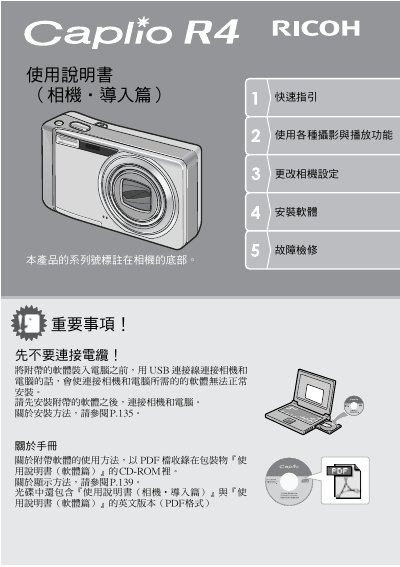
The Ricoh Caplio R4 is a compact digital camera featuring a 7.1x optical zoom lens ranging from 28mm to 200mm (35mm equivalent). It includes an image stabilization button to reduce blur caused by camera shake and supports macro photography down to 1cm without a flash.
This guide covers essential operations such as charging the battery, inserting an SD memory card, adjusting display settings, and performing basic photography. It also details advanced features like continuous shooting modes (S/M), animation recording, direct printing via USB, and software installation for transferring images to a computer. This manual is written in Chinese.
| Optical Zoom | 7.1x (28mm to 200mm) |
|---|---|
| Lens Focal Length Equivalent | 28mm to 200mm |
| Body Thickness | 26mm |
| Macro Shooting Distance | 1cm (without flash) |
Press the dedicated image stabilization button to correct blur caused by camera movement, especially in indoor or night scenes.
Yes, you can connect the camera to a compatible printer via USB and print images without using a computer.
The package includes ImageMixer software to manage, edit, and create animation CDs from captured images.