
Ricoh Caplio R40 Camera User Guide

This document introduces the usage of Ricoh digital cameras, including usage precautions, quick use guide, shooting and playback functions, changing camera settings, software installation and troubleshooting.
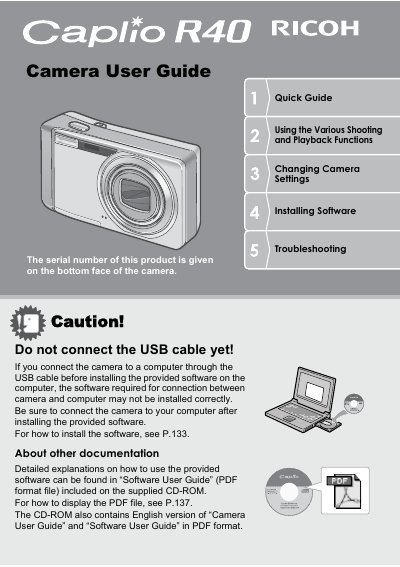

Ricoh Caplio R40 Camera User Guide - cover page
Brand
Ricoh
Category
Digital cameras
Document type
User Manual
Language
English
Pages
185
File format
PDF
File size
5.1 MB
Published
09 July, 2012
Updated
30 September, 2023
Models
R40, Caplio R4
MD5 checksum
47B5C4BEA97008C02921A21CE6EF68F7

About this manual

The Ricoh Caplio R4Q is a compact digital camera featuring a 5.7x optical zoom lens (28mm to 160mm equivalent) with rapid shutter response and hybrid auto focusing. It supports high-quality movie recording at 30 fps, macro shooting as close as 1 cm, and various scene modes for automatic optimization.

What's inside

  • Packing List
  • Names of Parts
  • About the Battery
  • Charging the Rechargeable Battery
  • Loading the Rechargeable Battery and SD Memory Card
  • Turning the Power On/Off
  • Setting the Language
  • Basic Shooting
  • Using the Zoom Function
  • Shooting Close-Ups (Macro Shooting)

Specifications

Optical Zoom5.7x
Shutter Release Time Lagapprox. 0.1 seconds
Macro Shooting Distance1 cm
Movie Resolution320 x 240 pixels

Frequently asked questions

What is the shutter release time lag?

The shutter release time lag is approximately 0.1 seconds.

Can I shoot macro photos at a distance of 1 cm?

Yes, the camera allows you to capture details from a very close distance at only 1 cm.

Download PDF (5.1 MB)

More Ricoh Manuals


View all Ricoh manuals →