
Key facts
Start here
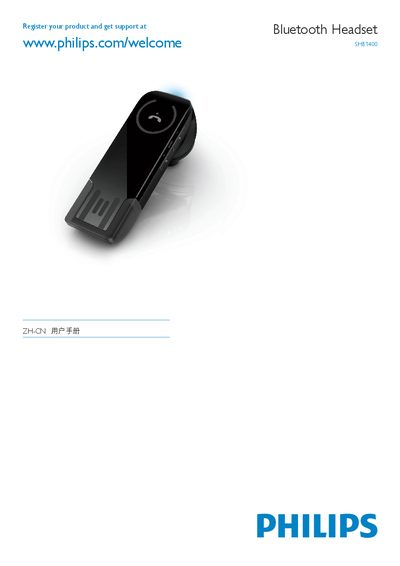
Philips SHB1400 Bluetooth Headset Quick Start Guide
This guide provides the essential steps to get the Philips SHB1400 Bluetooth headset up and running. It includes registration information, an overview of the device controls such as volume buttons, LED indicators and the USB charging port, and details on how to pair the headset with Bluetooth devices.
The document also contains regulatory information, including the EC Declaration of Conformity and compliance with relevant standards. Users will find instructions for charging the headset via USB, interpreting LED status signals, and troubleshooting common pairing issues. This manual is written in Chinese.
Philips SHB1400 specifications
| Charging method | USB |
|---|---|
| Low battery indicator | steady red LED |
| Volume control buttons | VOL+ and VOL- |
Source: Philips SHB1400 Bluetooth Stereo Earphone User Guide
All Philips SHB1400 documents by type
Day-to-day operation, settings and troubleshooting. Start here if the product is already set up.
The shortest path to a working setup, usually only a few pages.
Questions answered in these manuals
Why won’t the Bluetooth headset turn on?
The battery may be low; charge the headset before use.
How do I pair the headset with my mobile phone?
Press the button until the LED flashes red and blue, then select the headset (SHB1400) on the phone and enter the PIN 0000 if prompted.
How can I check the battery level of the earphones?
Press and hold VOL+ and VOL‑ together; the LED will flash blue, red, or a combination to indicate the remaining charge.
What does a red LED flashing three times per minute mean?
It indicates that the battery level is low and needs to be recharged.
How do I turn the earphones on or off?
Press and hold the power button (or simultaneously press VOL+ and VOL-) until the LED turns on or off.
How can I tell when the battery is low?
When the battery is low, the LED shows a steady red light.