
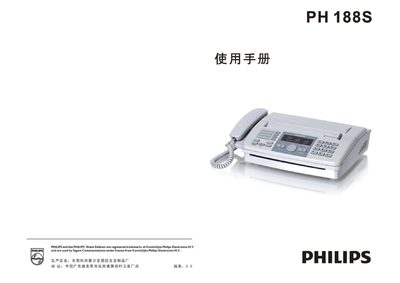
This manual covers the PH188S fax machine, detailing safety precautions, component list, and a description of the control panel and external appearance. It includes step‑by‑step installation guidance, wiring diagrams, and instructions for loading thermal paper.
Operational sections explain dialing methods, sending and receiving faxes, copying functions, and telephone use. Maintenance chapters describe cleaning the scanner, clearing paper jams, and adjusting copy density, while the troubleshooting chapter lists common error symptoms and their remedies. This manual is written in Chinese.
| Modulation Rate | 14.4 Kbps |
|---|---|
| Encoding Method | MHVMR |
| Gray Scale Levels | 64 levels |
| Thermal Paper Size | 216 mm × 30 m or 210 mm × 30 m |
| Operating Voltage | 220 V AC 1.2 A 50 Hz |
| Standby Power | ≈3 W (max 8 W) |
| Dimensions | 395 mm × 345 mm × 160 mm |
| Weight | ≈3.1 kg |
Check that the power cord is plugged in and that the supplied voltage matches the machine’s requirement.
Open the thermal‑paper cover, remove any jammed paper, trim any folded sections, and then close the cover.
Press “# * 2 8” to print the current settings, then press “# * # 2 8” and select a value between 001 (lightest) and 005 (darkest).
Ask the sender to transmit a higher‑resolution document; if the problem persists, check the scanner and cleaning of the glass.