
This document provides instructions for using the Philips MCD183 DVD Micro Theater, including playing discs, USB files, and adjusting settings.
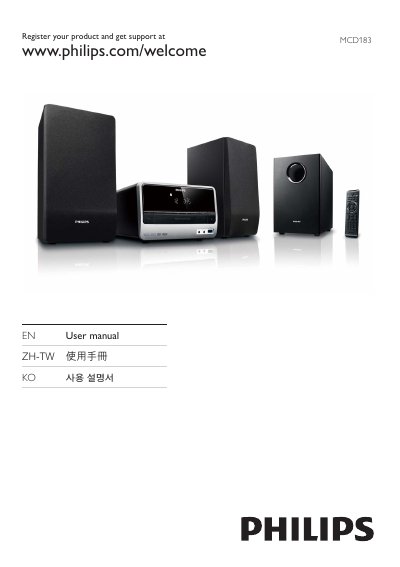
This manual covers the Philips MCD183 DVD Micro Theater, a compact DVD player with built‑in speakers, subwoofer, FM radio, and USB playback. It introduces the contents of the box, safety guidelines, and the main unit and remote control layout.
Key sections guide you through connecting the unit to power, TV, speakers, and antenna, configuring audio and video settings, using disc, USB and radio functions, adjusting sound effects, and troubleshooting common issues such as power loss, disc playback problems, and remote control operation.
| Supported disc formats | DVD, DVD+R, DVD+RW, DVD‑R, DVD‑RW, DVD+R DL, DVD‑R DL, VCD, SVCD |
|---|---|
| FM radio tuner | FM band with automatic and manual station programming |
| Speaker configuration | 2 speakers plus subwoofer |
Connect the speakers and subwoofer, attach the FM antenna, connect the TV video cables, plug in the power cord, then turn the unit on and follow the on‑screen prompts.
Start with a low volume, increase gradually until you can hear clearly without distortion, and avoid prolonged listening at high levels.
The unit plays DVD, DVD+R, DVD+RW, DVD‑R, DVD‑RW, DVD+R DL, DVD‑R DL, VCD and SVCD discs.