
This manual introduces the basic operations of Philips MCD122 DVD micro theater, including connection, playback, and setting adjustment.
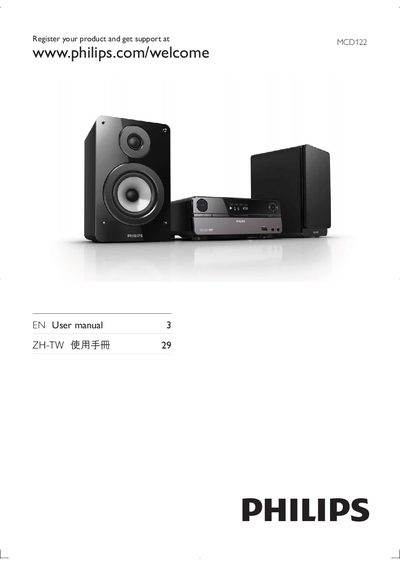
This manual guides you through installing and using the Philips MCD122 DVD Micro Theater, covering everything from unpacking the unit and connecting speakers, power, TV, and FM antenna to configuring the remote control and setting the clock. It also explains how to select sources, adjust volume, and use the various playback and display options.
Additional sections cover safety precautions, battery handling for the remote, troubleshooting common issues such as disc playback problems, poor sound, and radio reception, and detailed instructions for using USB and DivX video files. The document ends with product specifications and regulatory information.
Insert the battery with its polarities (+/– signs) aligned as indicated, then replace the battery if needed.
Make sure a readable disc is inserted with the label side up, check the disc type, color system, regional code, and ensure the disc is not scratched or smudged.
Increase the distance between the unit and your TV, fully extend the FM antenna, or connect an outdoor FM antenna.