
Key facts
- Brand
- Philips
- Model
- FWD98
- Category
- Video Player
- Industry
- Appliances
- Documents
- 5
- Languages
- EN · ZH
- Last added
- 2012-03-27
Start here
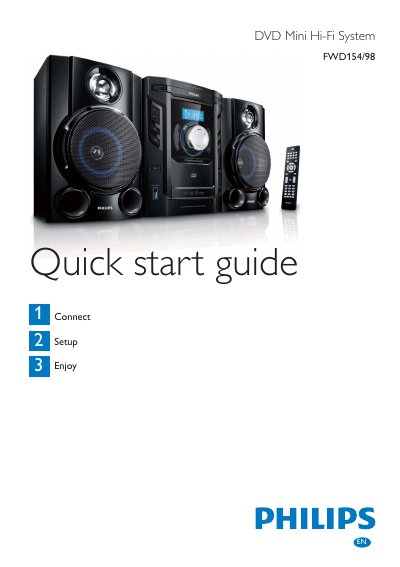
Philips FWD154/98 DVD Mini Hi-Fi System Quick Start Guide
The guide begins with a list of items in the box and instructions for inserting two AAA batteries, connecting the remote control, and wiring the speakers. It also shows how to attach the composite video cable and power cord, with safety cautions about voltage and electric shock.
Further sections explain how to play a DVD, set the clock, use the USB audio source, and program or tune FM/MW radio stations. Basic remote‑control functions for disc loading, playback, and volume are described, along with tips for optimal antenna placement.
All Philips FWD98 documents by type
Day-to-day operation, settings and troubleshooting. Start here if the product is already set up.
The shortest path to a working setup, usually only a few pages.
Questions answered in these manuals
How do I start DVD playback?
Press DISC1/2/3 on the remote or select the disc on the front panel, then press PLAY.
Which DVD region codes are supported?
The system plays discs labeled for all regions or Region 3.
How do I insert the batteries?
Open the battery compartment, insert 2 AAA batteries with the correct polarity (+/‑), and close the compartment.
From: Philips FWD154/98 DVD Mini Hi-Fi System Quick Start Guide
How do I connect the composite video cable?
Connect the supplied composite video cable to the VIDEO socket on the unit and to the video input socket on the TV.
From: Philips FWD154/98 DVD Mini Hi-Fi System Quick Start Guide
What DVD region codes does this player support?
It can play discs marked with the ALL region code or region 3.