
Key facts
- Brand
- Philips
- Model
- FWD18
- Category
- Video Player
- Industry
- Electronics
- Documents
- 3
- Languages
- EN
- Last added
- 2012-03-27
Start here
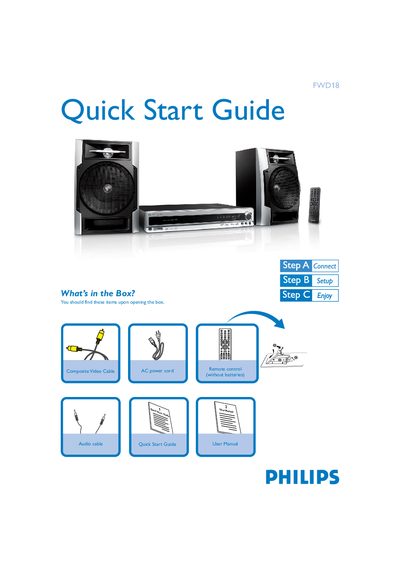
Philips FWD18 Quick Start Guide
The guide begins with a list of items included in the box, such as the remote control, composite video cable, audio cable, and AC power cord. It then explains how to connect the speaker cables, composite video cable, and power supplies to both the system and the TV.
Further sections describe setting the clock, navigating system menu options, and basic operation like playing discs, tuning radio stations, and using USB flash drives or memory cards for audio playback.
Philips FWD18 specifications
| Output power | 2 x 30 W RMS |
|---|---|
| Frequency response (CD) | 100 Hz – 10 kHz / ±3 dB |
| Power consumption (active) | 70 W |
| Power consumption (standby) | ≤ 7 W |
| Dimensions (W × D × H) | 415 × 305 × 70 mm |
| Weight | 10.82 kg |
| Power supply rating | 120 – 230 V / 50‑60 Hz |
All Philips FWD18 documents by type
Day-to-day operation, settings and troubleshooting. Start here if the product is already set up.
The shortest path to a working setup, usually only a few pages.
Questions answered in these manuals
How do I connect the TV to the system?
Connect the composite video cable to the TV and attach the power supplies of both the system and the TV.
How do I set the clock on the Philips FWD18?
Enter the system menu and select the clock setting option to adjust the time.
Can I change the subtitle language on a DVD?
Changing the language for subtitle is prohibited on the DVD.
What voltage selector setting should I use for 110 V regions?
The voltage selector is preset at 220 V; adjust it to 110 V‑127 V before turning the system on.