
This manual introduces the use of FWD398/98 DVD player
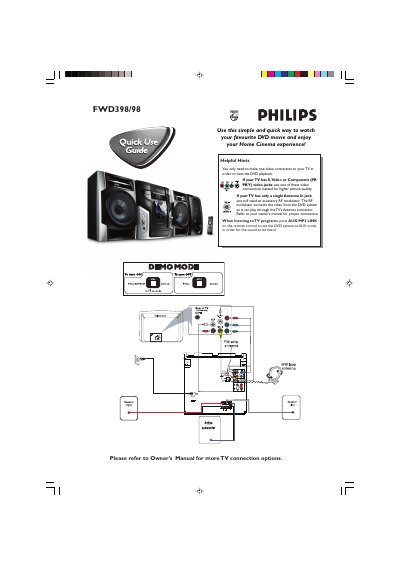
This guide provides step‑by‑step instructions for setting up the Philips FWD398/98 DVD player with your TV. It covers video connection options such as S‑Video, Component (PR PB Y), or an RF modulator for TVs with only an antenna input, and explains how to switch audio to AUX mode.
The manual also details the basic operation of the player: turning on the system, using the "AUTO INSTALL PRESS PLAY" prompt, selecting discs via the remote or front panel, navigating disc menus, and stopping playback. Region code requirements and accessory contents are listed as well.
| Supported Video Connections | S‑Video, Component (PR PB Y), RF modulator |
|---|---|
| Supported Region Codes | All regions or Region 3 |