
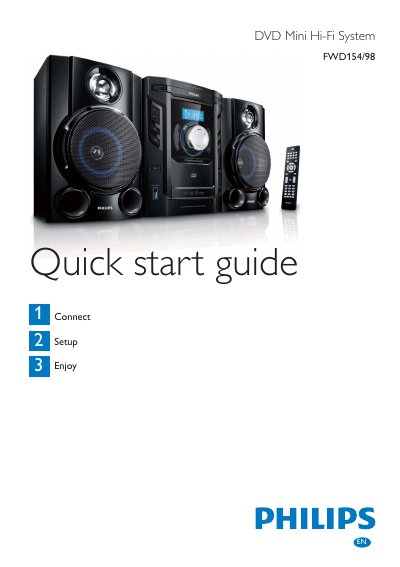
This is a Quick Start Guide that instructs you how to connect, set up, and enjoy your FWD154/98 DVD Mini Hi-Fi System.
The guide begins with a list of items in the box and instructions for inserting two AAA batteries, connecting the remote control, and wiring the speakers. It also shows how to attach the composite video cable and power cord, with safety cautions about voltage and electric shock.
Further sections explain how to play a DVD, set the clock, use the USB audio source, and program or tune FM/MW radio stations. Basic remote‑control functions for disc loading, playback, and volume are described, along with tips for optimal antenna placement.
| Operating voltage | 110‑127V or 220‑240V |
|---|---|
| Battery type | 2 AAA batteries |
Open the battery compartment, insert 2 AAA batteries with the correct polarity (+/‑), and close the compartment.
Connect the supplied composite video cable to the VIDEO socket on the unit and to the video input socket on the TV.