
Key facts
- Brand
- Philips
- Model
- BDP7500
- Category
- Player
- Industry
- Appliances
- Documents
- 6
- Languages
- EN
- Last added
- 2012-03-26
Start here
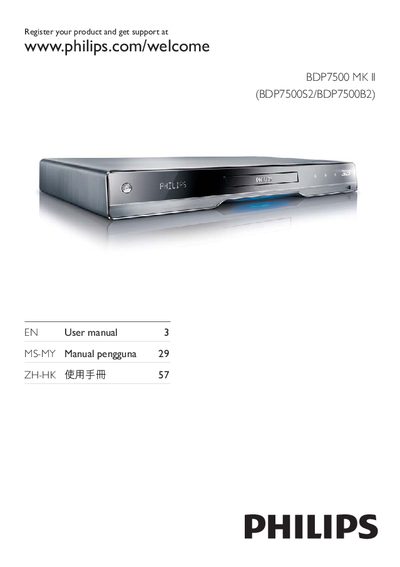
PHILIPS BDP7500 MK II (BDP7500S2/BDP7500B2) Manual(1)
The Philips BDP7500 MK II is a Blu‑ray player that supports BD‑Video, DVD, CD, USB and network media. The manual provides safety guidelines, registration information, and detailed instructions for connecting the unit to a TV, audio system, and home network.
It explains how to use the remote, set up network features such as Net TV and DLNA, and adjust video, audio and advanced settings. Troubleshooting tips and software‑update procedures are also included.
Philips BDP7500 specifications
| Maximum video resolution | 1080p |
|---|---|
| Audio channels | 7.1 channel surround sound |
| Supported audio formats | Dolby Digital Plus, Dolby TrueHD, DTS‑HD Master Audio |
All Philips BDP7500 documents by type
Day-to-day operation, settings and troubleshooting. Start here if the product is already set up.
The shortest path to a working setup, usually only a few pages.
Questions answered in these manuals
How do I connect the BDP7500 to a TV with HDMI?
Connect the supplied HDMI cable to the HDMI jack on this product and to the HDMI input on the TV.
How can I enable Philips EasyLink?
When EasyLink is enabled, press and hold for at least three seconds to turn all connected HDMI CEC devices to standby.