
This document is the user manual of Bdp7500, which introduces the features and characteristics of the product, such as connection method, playback method, setting method, etc.
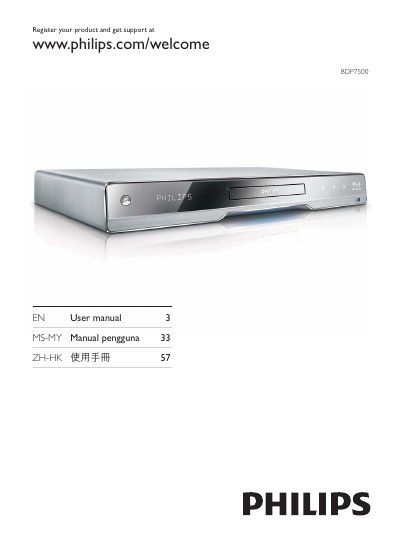
This manual introduces the Philips BDP7500 multimedia player, highlighting features such as Philips EasyLink, high‑definition video up to 1080p, and 7.1‑channel surround sound. It includes product overviews, safety notices, and a description of supported audio and video formats.
The guide walks you through connecting the player via HDMI, component, or composite cables, setting up network and USB playback, using the remote control, and adjusting audio/video settings. It also covers software updates, troubleshooting tips, and warranty information.
| Maximum video resolution | 1080p |
|---|---|
| Audio channels | 7.1 channel surround sound |
| Supported audio formats | Dolby Digital Plus, Dolby TrueHD, DTS‑HD Master Audio |
Connect the supplied HDMI cable to the HDMI jack on this product and to the HDMI input on the TV.
When EasyLink is enabled, press and hold for at least three seconds to turn all connected HDMI CEC devices to standby.
The player can play discs with the region codes listed for DVD and Blu‑ray (Asia Pacific, Taiwan, Korea).