
Key facts
- Brand
- Philips
- Model
- BDP7200
- Category
- Player
- Industry
- Appliances
- Documents
- 4
- Languages
- PT · EN · ZH
- Last added
- 2026-11-23
Start here
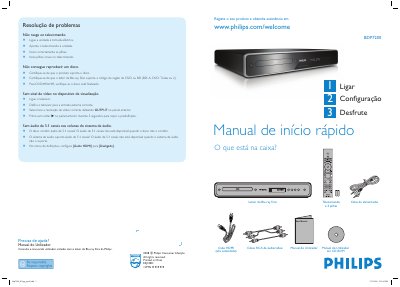
Philips BDP7200 Blu-ray Disc Player Quick Start Guide
This Philips BDP7200 Blu-ray Disc Player quick start guide explains what is included in the box, how to connect the player to a TV, and how to begin disc playback. It also provides troubleshooting steps for remote control, video signal, and audio issues.
The guide includes connection options for HDMI, component video, and composite video, plus instructions for locating the correct TV channel and operating the disc tray. This manual is written in Portuguese.
Philips BDP7200 specifications
| Video resolution | 1080p |
|---|---|
| Supported discs | Blu-ray disc, DVD, CD |
| Supported files | MP3, WMA, JPEG |
All Philips BDP7200 documents by type
Day-to-day operation, settings and troubleshooting. Start here if the product is already set up.
The shortest path to a working setup, usually only a few pages.
Questions answered in these manuals
What should I do if the player does not respond to the remote control?
Connect the unit to the power outlet, point the remote control at the unit, insert the batteries correctly, or insert new batteries in the remote control.
What should I do if there is no video signal on the display device?
Turn on the TV, set the TV to the correct external input, select the correct video resolution using OUTPUT on the front panel, or press and hold X on the front panel for 5 seconds to reset to default.
What is the recommended HDMI cable?
Philips recommends HDMI 1.3 (category 2) cable (also known as High Speed HDMI cable) for better compatibility.
How much clearance is needed around the unit?
Allow at least 5~10 cm clearance around the unit to ensure air can circulate freely.
How do I connect the BDP7200 to my HDTV?
Connect the BDP7200 to your HDTV with one single HDMI cable. Philips recommends HDMI 1.3 (category 2) cable for better compatibility.
How much clearance is required around the unit?
Allow at least 5~10 cm clearance around the unit.