
This manual explains the basic operation and setup methods of the BDP7500 MK II media player.
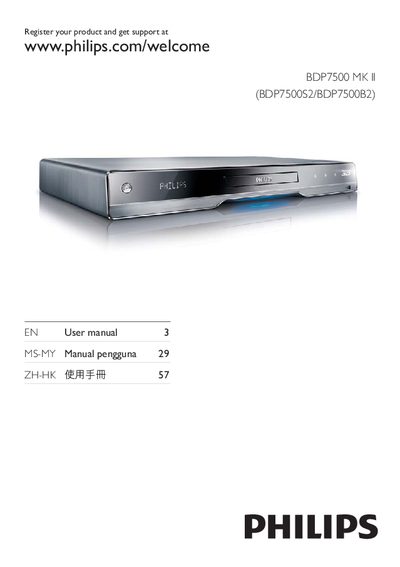
This user manual covers the Philips BDP7500 MK II (BDP7500S2/BDP7500B2) Blu-ray disc player. It describes product features including 3D Blu-ray disc play, Net TV, DLNA, DivX Plus HD, high-definition entertainment, and 7.1 channel surround sound, along with playable media, product overview, and remote control functions.
The manual provides instructions for connecting video and audio cables, routing audio to other devices, connecting USB and network devices, and powering the product. It also covers getting started, playing discs and USB media, browsing PC and Net TV content, adjusting settings, updating software, and troubleshooting.
The player can play BD-Video, BD-R/RE2.0, BD 3D, DVD formats, Video CD/SVCD, Audio CD, CD-R/CD-RW, MP3 media, WMA media, JPEG files, DivX (Ultra)/DivX Plus HD media, and MKV media.
Yes, the player can play 3D Blu-ray discs and provides a full HD 3D experience when connected to a 3D-compliant TV with an HDMI cable and 3D glasses.
The product can be connected to a home network via the LAN jack or wirelessly with an optional Philips Wi-Fi USB adapter.
BD-Live connects the product to movie studio websites via the LAN port or external Wi-Fi to access up-to-date content such as refreshed previews and exclusive special features.