
Key facts
- Brand
- Philips
- Model
- BDP9600
- Category
- Player
- Industry
- Appliances
- Documents
- 3
- Languages
- EN
- Last added
- 2012-03-26
Start here
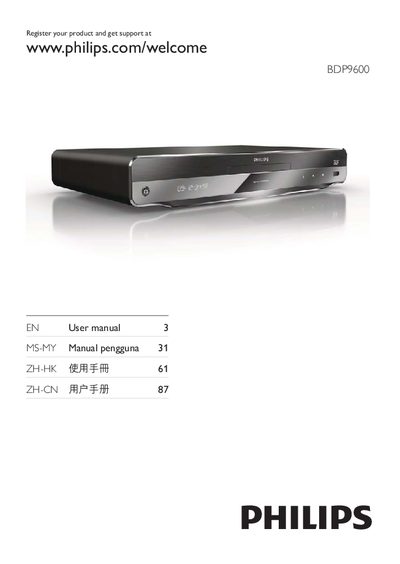
Philips BDP9600 Blu-ray Player User Manual
This manual covers everything you need to get started with the Philips BDP9600 Blu‑ray player, including safety precautions, key features, supported media, and detailed connection options. It guides you through initial setup, network configuration, and using Philips EasyLink.
You will also find instructions for playing discs, USB content, and online streaming, as well as how to adjust video, audio, and network settings, perform software updates, and troubleshoot common issues.
Philips BDP9600 specifications
| Audio Channels | 7.1 |
|---|---|
| Supported Audio Formats | Dolby TrueHD, DTS‑HD Master Audio |
| 3D Blu‑ray Playback | Supported |
All Philips BDP9600 documents by type
Day-to-day operation, settings and troubleshooting. Start here if the product is already set up.
Questions answered in these manuals
How do I register my Philips BDP9600?
Visit the Philips registration page at www.philips.com/welcome and enter the model and serial number shown on the back of the player.
What ventilation space is required for safe operation?
Leave at least 4 inches of free space around the player to ensure proper ventilation.