
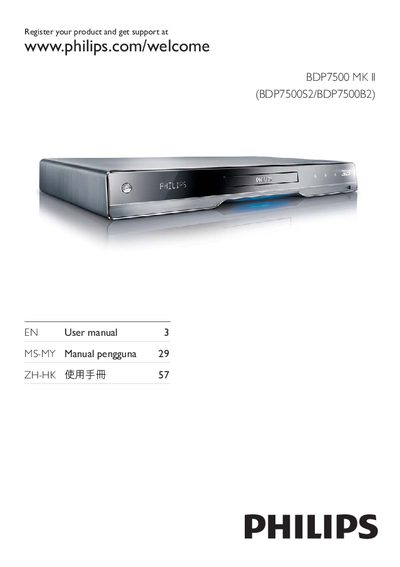
Philips BDP7500 MK II (BDP7500S2/BDP7500B2) Blu-ray Disc Player User Manual


Philips BDP7500 MK II (BDP7500S2/BDP7500B2) Blu-ray Disc Player User Manual - cover page
Brand
Philips
Category
Player
Document type
User Manual
Language
English
Pages
50
File format
PDF
File size
2.2 MB
Published
20 December, 2011
Updated
29 September, 2023
MD5 checksum
A9AA035D5710DF0F1780935A8C68DA42

About this manual

This user manual covers the Philips BDP7500 MK II (BDP7500S2/BDP7500B2) Blu-ray Disc Player. It provides safety notices, a product overview, and instructions for connecting video, audio, USB, and network cables.

The manual explains how to use the remote control, set up the home menu and network, play discs and media files, adjust video and audio settings, use EasyLink and Net TV, update software, and troubleshoot problems.

What's inside

  • Important
  • Your product
  • Connect
  • Get started
  • Play
  • Adjust settings
  • Additional Information
  • Troubleshooting

Specifications

Video resolutionup to 1080p
Frame rate24 frames per second
Audio formatsDolby TrueHD and DTS-HD Master Audio

Frequently asked questions

Where can I register my Philips product?

Register at www.philips.com/welcome to get support.

What discs and media can this player play?

It plays BD, DVD, CD, MP3, WMA, JPEG, DivX, MKV, and USB flash drives.

Where are the model and serial number located?

They are on the back of the product.

Download PDF (2.2 MB)

More Philips Manuals


View all Philips manuals →