
Key facts
- Brand
- Philips
- Model
- BDM4065UC
- Category
- Monitor
- Industry
- Electronics
- Documents
- 2
- Languages
- EN · ZH
- Last added
- 2026-11-09
Start here
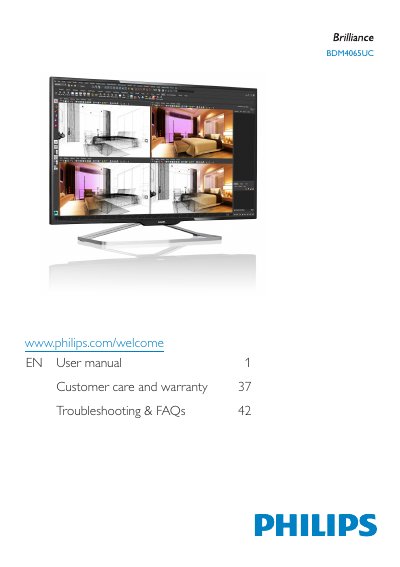
Philips BDM4065UC Monitor User Manual
This manual provides step-by-step instructions for installing and operating the Philips BDM4065UC monitor. It includes sections on safety precautions, connecting to a PC, adjusting image settings, managing power, and troubleshooting common issues. The guide also covers disposal guidelines and warranty information for the product.
The monitor supports multiple input connections including VGA, HDMI, DisplayPort, and MHL. It features Philips SmartControl Premium for image optimization and includes safety warnings to prevent damage from environmental exposure or improper handling.
Philips BDM4065UC specifications
| Temperature Range | 0-40°C (32-95°F) |
|---|---|
| Humidity Range | 20-80% RH |
| Input Connections | VGA, HDMI, DisplayPort, MHL |
All Philips BDM4065UC documents by type
Day-to-day operation, settings and troubleshooting. Start here if the product is already set up.
Questions answered in these manuals
How do I install the monitor?
Place the monitor face down on a soft surface, insert the base column, tighten screws, and connect the power and video cables.
What should I do if the monitor doesn't turn on?
Check the power cable connection, ensure the power outlet is working, and wait 6 seconds before reconnecting if turned off by unplugging.