
User guide for Philips BDM4065UC monitor covering setup, image optimization, power management, and troubleshooting.
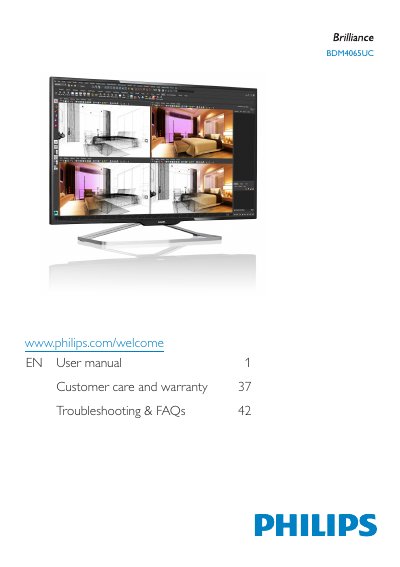
This manual provides step-by-step instructions for installing and operating the Philips BDM4065UC monitor. It includes sections on safety precautions, connecting to a PC, adjusting image settings, managing power, and troubleshooting common issues. The guide also covers disposal guidelines and warranty information for the product.
The monitor supports multiple input connections including VGA, HDMI, DisplayPort, and MHL. It features Philips SmartControl Premium for image optimization and includes safety warnings to prevent damage from environmental exposure or improper handling.
| Temperature Range | 0-40°C (32-95°F) |
|---|---|
| Humidity Range | 20-80% RH |
| Input Connections | VGA, HDMI, DisplayPort, MHL |
Place the monitor face down on a soft surface, insert the base column, tighten screws, and connect the power and video cables.
Check the power cable connection, ensure the power outlet is working, and wait 6 seconds before reconnecting if turned off by unplugging.
Always activate a moving screen saver or periodic screen refresh when displaying static content for long periods.