
This is an electronic user's manual for Philips 107T color display, contains safety and troubleshooting, product information, installing display, screen display, customer service and warranty, glossary, download options and FAQ.
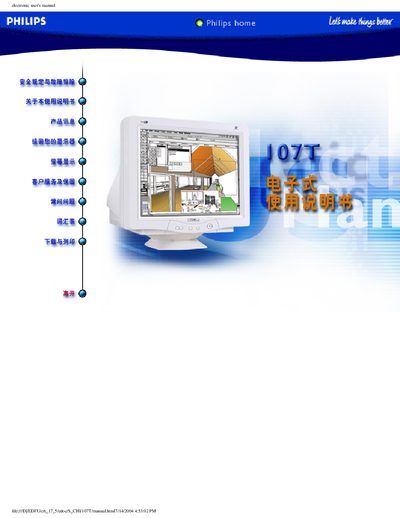
This electronic user manual covers safety precautions, troubleshooting tips, and proper handling of the Philips 107T 17‑inch color CRT monitor. It explains how to install the monitor, connect it to a computer, and maintain it safely, including cleaning instructions and warnings about electrical hazards.
The guide also describes the optional Light Frane software, its installation process, language options, and compatibility checks. At the end, a warranty registration card and related information are provided for owners who wish to register their product. This manual is written in Chinese.
| Screen Size | 17‑inch (16.0‑inch VIS) |
|---|
The software displays a message indicating incompatibility, and you can choose to abort or continue the installation.
Only qualified service personnel may remove the back panel; doing it yourself can cause electric shock.