
Key facts
- Brand
- EXTECH
- Model
- CO200
- Industry
- Electronics
- Documents
- 2
- Languages
- EN
- Last added
- 2012-08-01
Start here
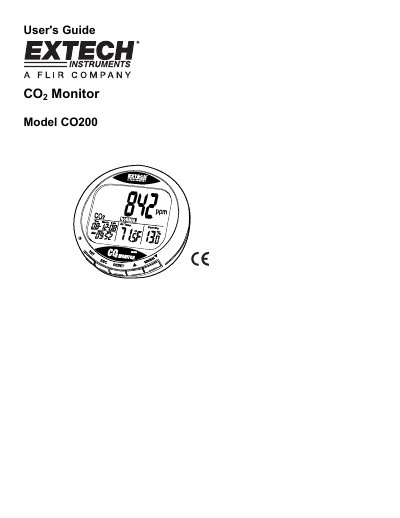
Extech CO200 Carbon Dioxide Meter User's Guide
The Extech CO200 is a carbon dioxide monitor designed for diagnosing indoor air quality (IAQ). It measures CO2 concentration, air temperature, relative humidity, date, and time. The device features an LCD display with visual indicators for air quality levels (Good, Normal, Poor) and includes audible alarms to warn users when CO2 concentrations exceed set limits.
Read onlineEXTECH CO200 specifications
| CO2 Range | 0 to 9999ppm |
|---|---|
| Humidity Range | 0.1 to 99.9% |
| Power Supply | 5VDC (410%), 2 500mA |
| Dimensions / Weight | 117x102x102mm; 204g |
All EXTECH CO200 documents by type
Day-to-day operation, settings and troubleshooting. Start here if the product is already set up.
Questions answered in these manuals
How do I calibrate the meter?
Hold down the SET, « and MIN/MAX buttons simultaneously for more than 1 second to enter CO2 calibration mode.
What is the default upper limit for the GOOD level alarm?
The default setting for the P1.0 (GOOD LEVEL) alarm is 700ppm.
What are the indoor air quality indications?
The device displays Good for 380 to 420ppm, Normal for less than 1000ppm, and Poor for greater than 1000ppm.
From: Extech CO200 Desktop Indoor Air Quality CO2 Monitor Specifications Sheet
Does the CO200 have an alarm?
Yes, it features a visible and audible warning alarm with relay output for ventilation control.
From: Extech CO200 Desktop Indoor Air Quality CO2 Monitor Specifications Sheet