
Key facts
- Brand
- EXTECH
- Model
- 407119A
- Industry
- Electronics
- Documents
- 2
- Languages
- EN
- Last added
- 2023-10-18
Start here
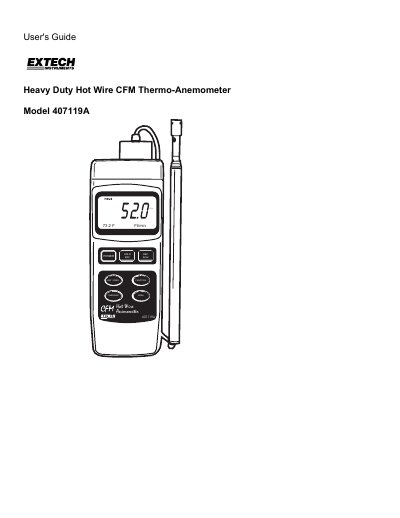
Extech 407119A Thermo-Anemometer User's Guide
The Extech 407119A is a heavy-duty hot wire thermo-anemometer designed to measure air velocity, air volume (CFM/CMM), and air temperature. It features a combination hot wire probe and thermistor sensor, a telescoping antenna for accessing grills and diffusers, and a dual-function 5-digit LCD display. The device supports multiple units of measurement and includes features such as data hold, max/min recording, and averaging up to 20 readings.
Read onlineExtech 407119A specifications
| Air Velocity Range | 0.2 – 17.0 m/s |
|---|---|
| Air Flow Range | 0 – 36,000 m³/min |
| Temperature Range | 0 to 50 °C (32 to 122 °F) |
| Operating Temperature | 0 to 50°C (32 to 122°F) |
| Power Supply | Four (4) ‘AA’ 1.5V batteries or optional AC adaptor |
| Weight | 521g (1.15 lbs.) with batteries installed |
| Dimensions | Main instrument: 200.0 x 76.2 x 36.8mm (7.9 x 3.0 x 1.5") |
All Extech 407119A documents by type
Day-to-day operation, settings and troubleshooting. Start here if the product is already set up.
Questions answered in these manuals
What units can the 407119A measure air velocity in?
Air velocity can be measured in m/s, km/h, ft/min, knots, and mph.
What does the Extech 407119A measure?
The 407119 A measures air velocity, air volume, and air temperature.
What is the warranty period for the Extech 407119A?
Extech warrants the instrument to be free of defects in parts and workmanship for three years from the date of shipment.
How do I turn the meter off?
Press and hold the POWER button until the meter switches off.