
Describes the use of DV40 non-contact voltage detector and IR thermometer
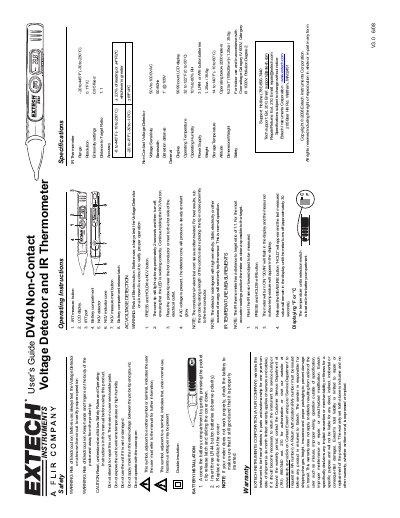
This user guide covers safety precautions and operating instructions for the Extech DV40, a dual-function device for non-contact voltage detection and infrared temperature measurement. It includes battery installation steps, warranty details, and safety warnings for electrocution risk. The guide also explains how to use the device for both voltage detection and temperature measurement, including display settings and accuracy specifications.
The device features a 1:1 distance-to-target ratio for temperature readings and detects AC voltage from 50V to 1000V. It operates within a temperature range of 32 to 122°F (0 to 50°C) and uses three LR44 button batteries. Safety and usage guidelines are emphasized to prevent misuse or damage.
| IR Thermometer Range | -20 to 445°F (-30 to 230°C) |
|---|---|
| Resolution | 0.1°F/C |
| Emissivity settings | 0.95 fixed |
| Distance to Target Ratio | 1:1 |
| Voltage Sensitivity | 50V to 1000V AC |
| Detection distance | 1” @ 105V |
| Operating Temperature | 32 to 122°F (0 to 50°C) |
| Operating Humidity | 10% to 80% RH |
| Power Supply | 3 LR44 or A76 button batteries |
| Weight | 1.25oz. / 35.5g |
Insert three LR44 button batteries (observe polarity) into the battery compartment, then replace and latch the cover.
Extech Instruments Corporation warrants the instrument for one year from date of shipment, with a six-month limited warranty on sensors and cables.
Press and hold the NCV button, place the probe tip near the hot conductor or next to the hot side of the electrical outlet. If AC voltage is present, the detector cone will produce a steady constant glow.
Accuracy is ±2.0% of reading or ±4ºF/2ºC whichever is greater for temperatures from -8 to 445°F (-10 to 230°C), and ±8ºF/4ºC for temperatures from -20 to -8°F (-30 to -10°C).