
The Extech Digital Force Gauge is a professional meter that measures tension or compression forces up to 5kg (475040) or 20kg (475044). It displays readings in grams, ounces, or Newtons and offers peak hold and zero functions.
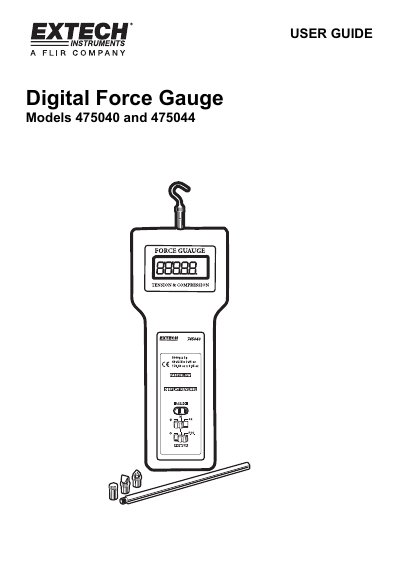
This user guide provides instructions for the Extech 475040 and 475044 Digital Force Gauges, which measure tension or compression forces up to 5kg or 20kg respectively. The device features a reversible LCD display showing readings in grams, ounces, or Newtons, along with Peak Hold and Zero functions.
| Range | 5kg (475040) or 20kg (475044) |
|---|---|
| Accuracy | ±(0.5%rdg + 2 digits) |
| Resolution | 0.01kg, 0.05oz, 1g, 0.01 Newtons |
| Power Supply | 6x 1.5V AA (UM-3) batteries |
| Operating Temperature | 0 °C to 50 °C |
Select units of measure (grams/kilograms, ounces/pounds, or Newtons) via the units select button.
The FAST setting permits the capture of fast measurement changes and the SLOW setting provides an averaged reading display.
Remove the two screws from the battery compartment cover, lift off the cover, replace with 6x 1.5V AA batteries, and replace the cover.