
Key facts
- Brand
- Agilent
- Model
- G2614A
- Industry
- Industrial
- Documents
- 2
- Languages
- EN
- Last added
- 2012-06-08
Start here
Agilent G1926A Bar Code Reader Installation on G2614A Tray Manual
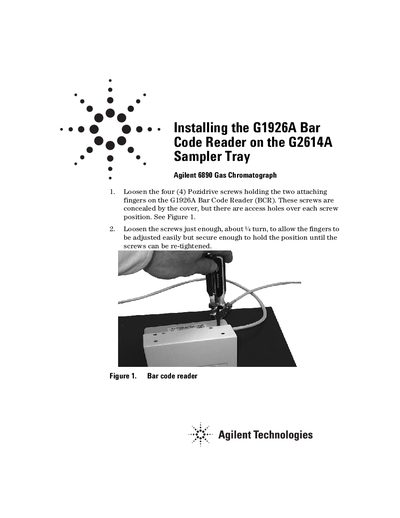
This manual provides step-by-step instructions for physically mounting the Agilent G1926A Bar Code Reader (BCR) onto a G2614A Sampler Tray. The process involves loosening attachment screws, installing a support bracket assembly to the underside of the tray, and connecting data and power cables.
Read onlineAll Agilent G2614A documents by type
Mounting, wiring and first power-up. Read it before the hardware goes in.
Questions answered in these manuals
What type of vials are recommended for reliable vial handling?
Crimp cap vials (6181-3376 or 5181-3375) with carefully applied barcode labels are the most reliable.
From: Agilent G1926A Bar Code Reader Installation on G2614A Tray Manual
Is it recommended to mix different vial types on the sampler quadrants?
No, mixing vial types is not recommended because screw cap vials may present inconsistent targets for the gripper.
From: Agilent G1926A Bar Code Reader Installation on G2614A Tray Manual
What replaces the G1926A bar code reader?
The new G2615A bar code reader is designed to replace the G1926A model.
From: Agilent G2614A ALS Tray and G2615A Bar Code Reader Information Sheet
Does the G2614A tray require a positioning bracket adjustment?
No, the G2615A reader mounts securely to the tray and alleviates the need to adjust a positioning bracket.
From: Agilent G2614A ALS Tray and G2615A Bar Code Reader Information Sheet