
Key facts
Start here
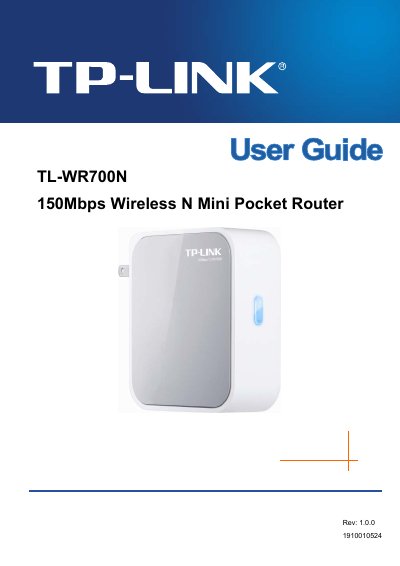
TP-LINK TL-WR700N 150Mbps Wireless N Mini Pocket Router User Guide
This manual introduces the TL‑WR700N 150Mbps Wireless N Mini Pocket Router, describing its compact design, supported IEEE 802.11n/g/b standards, and five operation modes (AP, Router, Repeater, Bridge, Client). It outlines the main features, panel layout, and LED indicators, helping users understand the device’s capabilities and hardware.
The guide walks through installation, quick setup, and detailed configuration for each mode, including network settings, wireless security, DHCP, and system tools. Appendices provide a FAQ, PC configuration steps, full technical specifications, and a glossary of networking terms.
TP-Link TL-WR700N specifications
| LAN/WAN port | 10/100M auto‑negotiation |
|---|---|
| Frequency range | 2.4 – 2.4835 GHz |
| Maximum data rate (11n) | 150 Mbps |
| Number of channels | 13 |
| Antenna count | 1 |
| Dimensions (L×W×H) | 81 mm × 71 mm × 28 mm |
| Operating temperature | 0 °C to 40 °C |
Source: TP-Link TL-WR700N Mini Wireless Router Service Manual
All TP-Link TL-WR700N documents by type
Day-to-day operation, settings and troubleshooting. Start here if the product is already set up.
Questions answered in these manuals
Where can I find the MAC address of my computer?
Open the Network Connection Details page; the “Physical address” shown is the MAC address in the format XX‑XX‑XX‑XX‑XX‑XX.