
Key facts
Start here
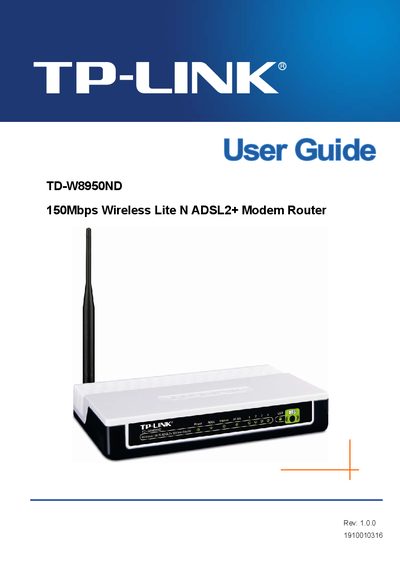
TP-Link TD-W8950ND 150Mbps Wireless Lite N ADSL2+ Modem Router User Guide
The TD-W8950ND is a 150Mbps Wireless Lite N ADSL2+ modem router designed for home and small office use. The guide outlines the router’s main features, panel layout, and the items included in the package.
It walks you through connecting the router, configuring network settings, wireless security, and advanced functions such as QoS, VLAN, and port mapping. An appendix provides a FAQ, PC configuration tips, detailed specifications, and a glossary of terms.
All TP-Link TD-W8950ND documents by type
Day-to-day operation, settings and troubleshooting. Start here if the product is already set up.
Questions answered in these manuals
What should I do if the router causes harmful interference?
Reorient or relocate the receiving antenna, increase the separation between the equipment and receiver, connect the equipment to a different circuit, or consult a dealer or experienced radio/TV technician.
From: TP-Link TD-W8950ND 150Mbps Wireless Lite N ADSL2+ Modem Router User Guide
How can I manage the router’s settings?
Use the web‑based utility, which is a web page that allows you to manage the router.
From: TP-Link TD-W8950ND 150Mbps Wireless Lite N ADSL2+ Modem Router User Guide