
Key facts
- Brand
- TP-Link
- Model
- WR641G
- Documents
- 3
- Languages
- EN · ZH
- Last added
- 2012-05-08
Start here
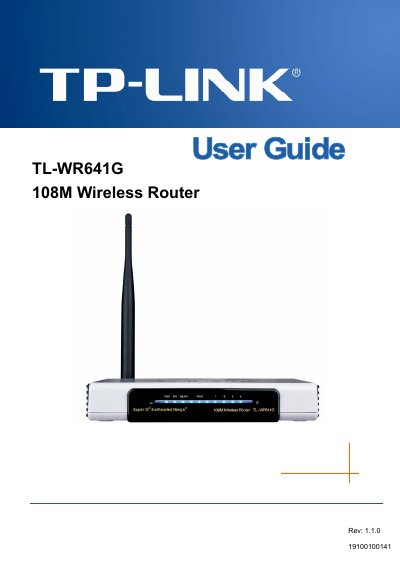
TP-Link TL-WR641G Wireless Router User Guide
This guide introduces the TL‑WR641G 108Mbps Wireless Router, describing its integrated 4‑port switch, firewall, NAT router, and wireless AP functions. It explains the router’s compliance with IEEE 802.11b/g standards, 108 Mbps Super G technology, and extended‑range WLAN features.
The manual covers installation steps, TCP/IP configuration, security settings (WEP, WPA/WPA2, MAC filtering), advanced features such as virtual servers, DMZ, QoS, and system tools like firmware upgrade and backup. Appendices provide a FAQ, PC configuration tips, full specifications, and a glossary of networking terms.
TP-Link WR641G specifications
| Maximum wireless data rate | 108 Mbps |
|---|---|
| Frequency range | 2.4 – 2.4835 GHz |
| Antenna | 3 dBi fixed omni‑directional |
| RJ45 port | 10/100 M auto‑sensing (Auto MDI/MDIX) |
| Wireless transmit power | 17 dBm (max) |
| Operating temperature | 0 °C – 40 °C (32 °F – 104 °F) |
| Storage temperature | -40 °C – 70 °C (-40 °F – 158 °F) |
| Dimensions | 174 mm × 111 mm × 30 mm |
| Power supply | 9 VAC / 0.8 A linear PSU |
Source: TP-Link TL-WR641G 108Mbps Wireless Router User Guide
All TP-Link WR641G documents by type
Day-to-day operation, settings and troubleshooting. Start here if the product is already set up.
Mounting, wiring and first power-up. Read it before the hardware goes in.
Questions answered in these manuals
How many RJ45 ports are on the TL‑WR641G and what type are they?
It has a 10/100 M auto‑sensing RJ45 port with Auto MDI/MDIX capability.
What is the maximum wireless transmit power of the router?
The maximum wireless transmit power is 17 dBm.
How do I enable the PSP wireless function?
Make sure the PSP wireless indicator is lit before proceeding.
From: TP-Link WR641G/WR642G/WR541G/WR542G/WR340G Wireless Router PSP Connection Installation Guide
How do I select the connection mode for the PSP?
In Network Settings, choose the desired connection mode and then confirm the selection.
From: TP-Link WR641G/WR642G/WR541G/WR542G/WR340G Wireless Router PSP Connection Installation Guide