
Key facts
Start here
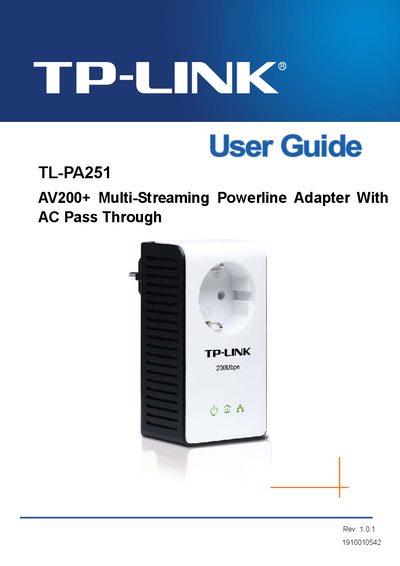
TP-Link TL-PA251 AV200+ Multi-Streaming Powerline Adapter User Guide
This guide introduces the TL-PA251 AV200+ Multi-Streaming Powerline Adapter, explaining how it turns existing home electrical wiring into a high‑speed network. It covers safety precautions, physical interfaces, LED status indicators, and the integrated electrical socket that lets you keep using the outlet.
The manual details the connection mechanism, pairing process, use of the optional Management Utility, troubleshooting tips, and a complete specification table. It also explains how to reset the device to factory defaults and how to interpret the Power, Powerline, and Ethernet LEDs.
TP-Link AV200 specifications
| Maximum Data Rate | Up to 200 Mbps |
|---|---|
| Maximum Range | Up to 300 m |
| Security | 128‑bit AES encryption |
| Dimensions (L×W×H) | 3.6 × 2.2 × 1.2 in (93 × 56 × 30 mm) |
| Plug Types | EU, UK, US, AU |
| Operating Humidity | 10 % to 90 % RH (non‑condensing) |
Source: TP-LINK AV200 Mini Powerline Adapter TL-PA211 User Guide
All TP-Link AV200 documents by type
Day-to-day operation, settings and troubleshooting. Start here if the product is already set up.
Questions answered in these manuals
How do I set up the TL-PA211 Mini Powerline Adapter?
Simply plug each adapter into a power socket, press the Pair button, and connect your devices to the Ethernet port—no additional configuration is required.
From: TP-LINK AV200 Mini Powerline Adapter TL-PA211 User Guide
What does the power‑saving mode do?
When no Ethernet link is detected, the adapter automatically switches to standby mode, reducing power consumption by up to 65 %.
From: TP-LINK AV200 Mini Powerline Adapter TL-PA211 User Guide
How can I reset the adapter to factory defaults?
Open the Management Utility on a connected computer and use the Reset function to restore the adapter to its default settings.
From: TP-Link TL-PA251 AV200+ Multi-Streaming Powerline Adapter User Guide