
Key facts
Start here
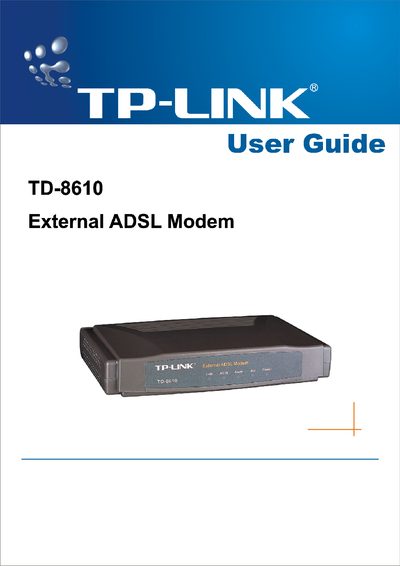
TP-Link TD-8610 External ADSL Modem User Guide
This guide covers the TP‑Link TD‑8610 External ADSL Modem, a plug‑and‑play device with an Ethernet interface that supports ADSL2+ and various ADSL standards. It explains the product’s main specifications, supported protocols, and safety notices.
The manual includes hardware installation steps, LED indicator explanations, configuration via web interface or utility software, default login credentials, and troubleshooting tips. Appendices provide default configuration values and contact information for support.
TP-Link TD-8610 specifications
| Max download data-rate | 24Mbps |
|---|---|
| Max upload data-rate | 1Mbps |
| Operating temperature | 0°C ~ 40°C |
| Power consumption | 4W Maximum |
| Adapter power output | 9VAC/0.8mA, 50Hz or 60Hz |
All TP-Link TD-8610 documents by type
Day-to-day operation, settings and troubleshooting. Start here if the product is already set up.
Questions answered in these manuals
What are the default login credentials for the TD‑8610?
The default username is admin and the default password is admin.
How can I reset the TD‑8610 to factory settings?
Press the reset button on the modem, then turn the power on for about three minutes to restore default settings.