
Key facts
- Brand
- TP-Link
- Model
- TL-PA200
- Category
- Other network devices
- Documents
- 2
- Languages
- ZH
- Last added
- 2012-03-20
Start here
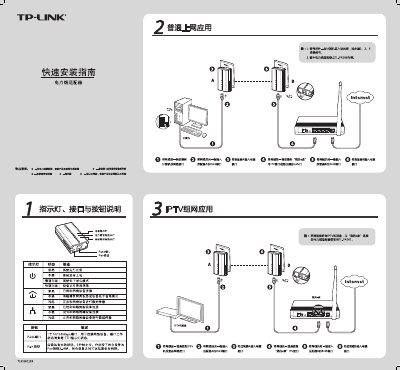
TP-Link TL-PA200 Powerline Adapter Installation Guide
The Quick Installation Guide provides step‑by‑step instructions for setting up TP‑Link TL‑PA200 powerline adapters. It describes the LEDs, RJ45 port, and Pair button used to create a private network between two adapters.
The guide covers connecting the adapters to a router or modem, using the Pair button to establish a network, and configuring the private network via the supplied software. It also includes a FAQ section that addresses common concerns such as transmission distance, interference, and device compatibility. This manual is written in Chinese.
All TP-Link TL-PA200 documents by type
Mounting, wiring and first power-up. Read it before the hardware goes in.
Questions answered in these manuals
Can a powerline adapter be used alone?
No, at least two adapters are required to form a network.
Does household electrical equipment interfere with the adapter?
Generally it does not affect performance, but power strips and chargers may cause interference.
Will household appliances interfere with the powerline adapter?
Home appliances generally have little impact, but power strips and chargers may affect performance, so keep the adapter away from them.
Can a powerline adapter be used alone?
No, at least two adapters are required to form a network.