
Key facts
Start here
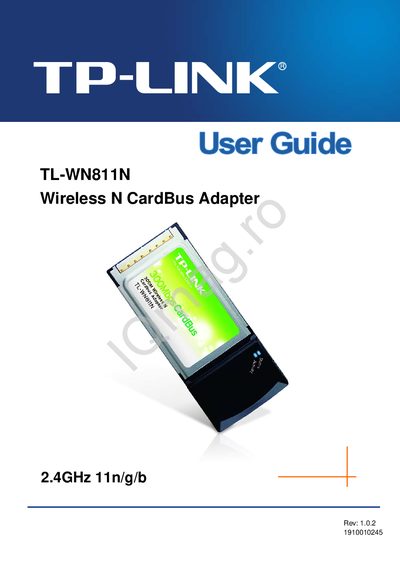
TP-Link TL-WN811N User Guide
This guide introduces the TL-WN811N Wireless N CardBus Adapter, a 802.11n client device designed to add high‑speed Wi‑Fi connectivity to notebook computers. It explains the product’s features, regulatory notices, and the contents of the package.
The manual covers hardware and software installation, driver setup, profile management, and includes specifications, a glossary, and FCC/CE compliance statements. It also provides troubleshooting tips and details on supported standards, security protocols, and operating systems.
TP-Link TL-WN811N specifications
| Maximum data rate | 300Mbps |
|---|---|
| Interface | 32-bit CardBus |
| Supported Wi‑Fi standards | 802.11b/g/n |
| Antenna configuration | 2x2 MIMO (two internal antennas) |
| Operating system support | Windows 2000, XP, Vista |
| Security protocols | WEP, WPA, WPA2 (TKIP/AES) |
Source: TP-Link TL-WN811N User Guide
All TP-Link TL-WN811N documents by type
Day-to-day operation, settings and troubleshooting. Start here if the product is already set up.
Questions answered in these manuals
What is the maximum wireless speed of the TL-WN811N?
The adapter can achieve a data rate of up to 300 Mbps.
Which operating systems are supported?
It works with Windows 2000, Windows XP, and Windows Vista.
Which operating systems are supported by the TL‑WN811N?
The adapter works with Windows 2000 and Windows XP.
How do I install the driver for the TL‑WN811N?
Run the provided setup.exe program to install the CardBus driver.