
Key facts
Start here
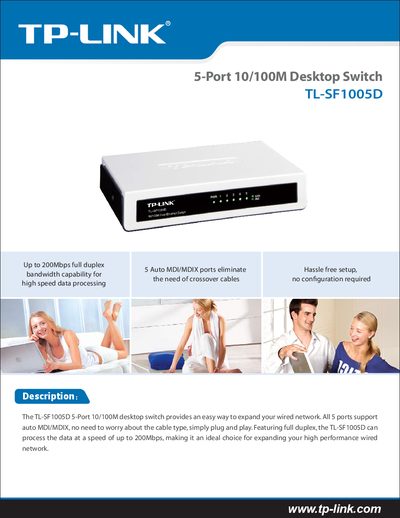
TP-Link TL-SF1005D Quick Start Guide
The TL‑SF1005D is a 5‑port 10/100M desktop Ethernet switch that supports auto‑MDI/MDIX, eliminating the need for crossover cables and allowing plug‑and‑play installation. It offers full‑duplex operation with up to 200 Mbps bandwidth, making it suitable for expanding high‑performance wired networks.
The guide lists the switch’s technical specifications, including supported standards (IEEE 802.3, 802.3u, 802.3x), interface details, switching features, power requirements, operating temperature ranges, and physical dimensions. Related TP‑Link products such as adapters and routers are also referenced.
TP-Link TL-SF1005D specifications
| Number of Ports | 5/8/16 10/100Mbps Auto‑Negotiation RJ45 ports |
|---|---|
| Supported Standards | IEEE802.3 10Base‑T, IEEE802.3u 100Base‑TX |
| Operating Temperature | 0 °C ~ 40 °C (32 °F ~ 104 °F) |
| Power LED | Lights when the switch powers on |
Source: TP-Link TL-SF1005D/TL-SF1008D/TL-SF1016D 10/100Mbps Desktop Switch User Guide
All TP-Link TL-SF1005D documents by type
Day-to-day operation, settings and troubleshooting. Start here if the product is already set up.
The shortest path to a working setup, usually only a few pages.
Questions answered in these manuals
How many ports does the TL‑SF1016D model have?
The TL‑SF1016D provides 16 auto‑negotiating 10/100 Mbps RJ45 ports.
From: TP-Link TL-SF1005D/TL-SF1008D/TL-SF1016D 10/100Mbps Desktop Switch User Guide
What does the Power LED indicate?
The Power LED lights continuously when the switch is receiving power.
From: TP-Link TL-SF1005D/TL-SF1008D/TL-SF1016D 10/100Mbps Desktop Switch User Guide