
Key facts
- Brand
- TP-Link
- Model
- WR542G
- Documents
- 2
- Languages
- EN · ZH
- Last added
- 2012-05-08
Start here
TP-Link TL-WR542G Wireless Router Manual
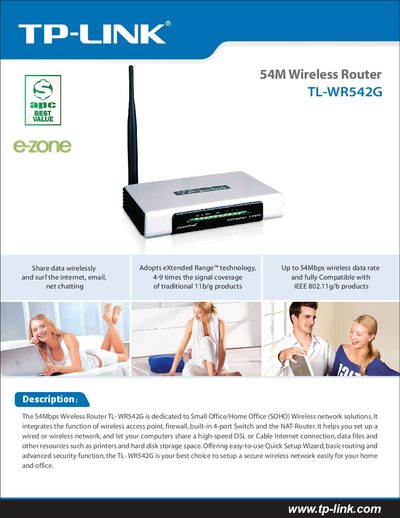
This manual covers the TL-WR542G wireless router, a SOHO solution that integrates a wireless access point, firewall, 4‑port switch and NAT router. It explains how to configure the device using the Quick Setup Wizard and describes its advanced security and routing features.
The document also lists technical specifications such as supported wireless standards, port types, antenna details, power requirements, operating temperature ranges, and dimensions, helping users understand the router's capabilities and environmental limits.
TP-Link WR542G specifications
| LAN Port | 410/100M auto‑sensing (Auto MDI/MDIX) |
|---|---|
| WAN Port | 10/100M auto‑sensing (Auto MDI/MDIX) |
| Wireless Signal Rates (802.11g) | 54/48/36/24/18/12/9/6 Mbps (dynamic) |
| Wireless Signal Rates (802.11b) | 11/5.5/2/1 Mbps (dynamic) |
| Frequency Band | 2.4‑2.4835 GHz |
| Wireless Transmit Power | 17 dBm (MAX) |
| Antenna | 3 dBi detachable omni‑directional |
| Modulation (802.11b) | DOPSK, DBPSK, DSSS, CCK |
| Modulation (802.11g) | BPSK, QPSK, 16QAM, 64QAM, OFDM |
| Receiver Sensitivity (S4M) | -68 dBm @10% PER |
| Power Supply | 9 VAC / 0.8 A linear PSU |
| Operating Temperature | 0 °C to 40 °C (32 °F‑104 °F) |
| Storage Temperature | -40 °C to 70 °C (-40 °F‑158 °F) |
| Relative Humidity | 10 %‑90 % non‑condensing |
| Dimensions | 174 × 111 × 30 mm |
All TP-Link WR542G documents by type
Day-to-day operation, settings and troubleshooting. Start here if the product is already set up.
Mounting, wiring and first power-up. Read it before the hardware goes in.
Questions answered in these manuals
How can I set up the TL‑WR542G router?
Use the built‑in Quick Setup Wizard to configure basic settings and connect to the internet.
What wireless standards does the TL‑WR542G support?
It supports IEEE 802.11b and IEEE 802.11g wireless standards.
How do I enable the PSP wireless function?
Make sure the PSP wireless indicator is lit before proceeding.
From: TP-Link WR641G/WR642G/WR541G/WR542G/WR340G Wireless Router PSP Connection Installation Guide
How do I select the connection mode for the PSP?
In Network Settings, choose the desired connection mode and then confirm the selection.
From: TP-Link WR641G/WR642G/WR541G/WR542G/WR340G Wireless Router PSP Connection Installation Guide