
Key facts
Start here
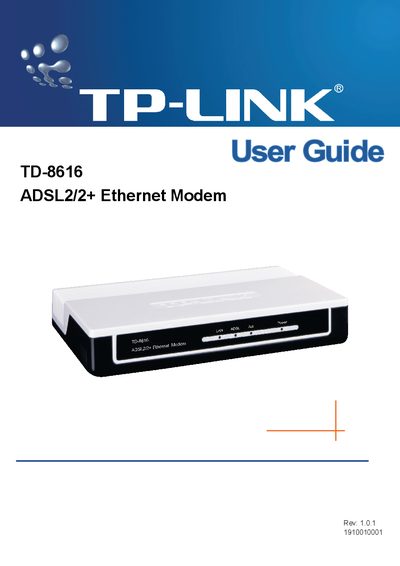
TP-LINK TD-8616 ADSL2/2+ Ethernet Modem User Guide
The TD-8616 is an ADSL2/2+ Ethernet modem designed to deliver broadband Internet over a standard telephone line to a private Ethernet network. It supports downstream rates up to 24 Mbps and upstream rates up to 3.5 Mbps (Annex M) and includes surge protection and web‑based management.
The guide covers hardware installation (front and back panel connections, LED status), wiring (RJ11, RJ45, power adapter, optional splitter), software configuration via the web utility, and maintenance procedures such as diagnostics and factory reset. An appendix lists the technical specifications.
TP-Link TD-8616 specifications
| Dimensions (W×D×H) | 5.5 × 3.6 × 1.1 in (140 × 92 × 29 mm) |
|---|---|
| Storage Temperature | -40 °C ~ 70 °C |
| Maximum Downstream Speed | 24 Mbps |
| Maximum Upstream Speed (Annex M) | Up to double standard upstream rate |
| Supported Modulation Standards | G.992.1, G.992.2, G.992.3, G.992.5, ADSL2, ADSL2+ (Annex A/B/A/L/M) |
| Maximum Transmission Distance | 6 km |
All TP-Link TD-8616 documents by type
Day-to-day operation, settings and troubleshooting. Start here if the product is already set up.
Questions answered in these manuals
What is the maximum downstream speed of the TD-8616?
The TD-8616 supports up to 24 Mbps downstream speed.
How many LAN ports does the TD-8616 have?
It has one Ethernet LAN port.
How can I reset the TD‑8616 to factory defaults?
Press and hold the reset button for more than five seconds while the device is powered, or select “Maintenance‑SysRestart” in the web‑based utility.
What are the maximum downstream and upstream speeds of the modem?
The modem supports downstream speeds up to 24 Mbps and upstream speeds up to 3.5 Mbps when Annex M is enabled.