
Key facts
Start here
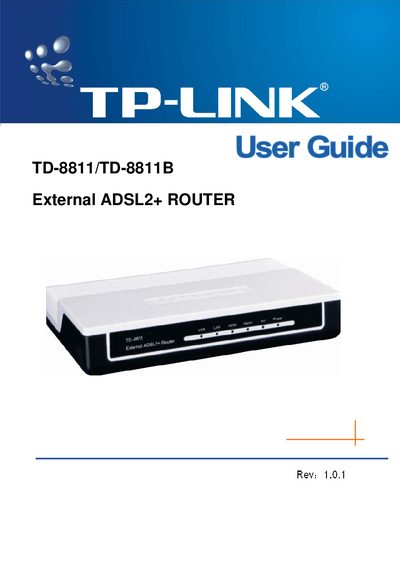
TP-Link TD-8811/TD-8811B External ADSL2+ Router User Guide
The TP‑Link TD‑8811/TD‑8811B is a plug‑and‑play external ADSL2+ router with Ethernet, USB, and ADSL interfaces. It supports standard ADSL2+ protocols, NAT, DHCP, and auto‑MDIX, providing a simple solution for SOHO internet access.
The guide provides detailed hardware installation steps, LED indicator explanations, default configuration settings, and troubleshooting tips. It also lists the package contents and includes a quick installation guide and contact information for further assistance.
TP-Link TD-8811 specifications
| Downstream data rate | Up to 24 Mbps |
|---|---|
| Upstream data rate | Up to 3.5 Mbps (Annex M enabled) |
| RJ11 ports | 1 |
| Ethernet ports | 1 (10/100 Mbps) |
| USB ports | 1 (USB 1.1) |
| Dimensions (L × W × H) | 6.5 × 4.3 × 1.1 in (165 × 108 × 28 mm) |
| Operating temperature | 0 °C ~ 40 °C (32 °F ~ 104 °F) |
| Storage temperature | -40 °C ~ 70 °C (-40 °F ~ 158 °F) |
| Operating humidity | 10 % ~ 90 % RH non‑condensing |
| Storage humidity | 5 % ~ 90 % RH non‑condensing |
Source: TP-Link TD-8811/TD-8811B External ADSL2+ Router User Manual
All TP-Link TD-8811 documents by type
Day-to-day operation, settings and troubleshooting. Start here if the product is already set up.
Questions answered in these manuals
What is the maximum downstream data rate of the TD-8811/TD-8811B?
The router supports downstream speeds of up to 24 Mbps.
From: TP-Link TD-8811/TD-8811B External ADSL2+ Router User Manual
How many Ethernet ports does the router provide?
It includes one 10/100 Mbps Ethernet port.
From: TP-Link TD-8811/TD-8811B External ADSL2+ Router User Manual
What is the default username and password for the router?
Both the default username and password are "admin".
From: TP-Link TD-8811/TD-8811B External ADSL2+ Router User Guide
What is the default IP address of the router?
The router’s default IP address is 192.168.1.1.
From: TP-Link TD-8811/TD-8811B External ADSL2+ Router User Guide