
Key facts
Start here
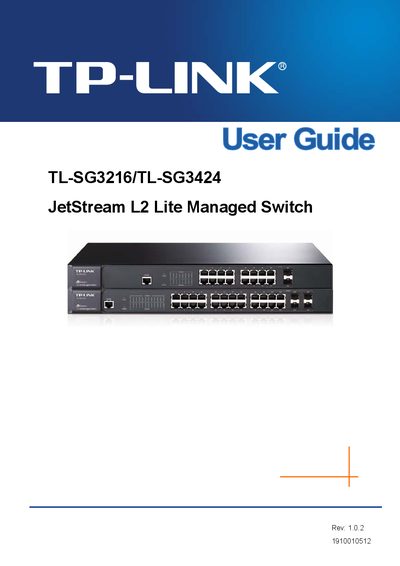
TP-Link TL-SG3216/TL-SG3424 JetStream L2 Lite Managed Switch User Guide
This guide is intended for network administrators and technicians who install and manage the TP‑Link JetStream L2 Lite Managed Switch. It covers everything from unpacking the device to advanced configuration of VLANs, spanning‑tree, QoS, and security features.
The document is organized into chapters that walk the reader through login procedures, system tools, port configuration, link aggregation, multicast handling, access control lists, SNMP management, clustering, and maintenance tasks such as firmware upgrades and diagnostics.
TP-Link TL-SG3216 specifications
| Number of Ports | 16 |
|---|---|
| Power Input | 100‑240V~ 50/60Hz, 0.6A |
| Operating Temperature | 0°C ~ -40°C |
| Storage Temperature | -40°C ~ -70°C |
| Dimensions | 440 mm × 220 mm × 44 mm |
| Backplane Bandwidth | 12.8 Gbps |
| MAC Table Size | Supports up to 8 K entries |
| VLAN Standard | IEEE 802.1Q |
All TP-Link TL-SG3216 documents by type
Day-to-day operation, settings and troubleshooting. Start here if the product is already set up.
Instruction set, parameters and examples for configuring or programming the device.
Questions answered in these manuals
How many Ethernet ports does the TL‑SG3216 have?
The TL‑SG3216 provides 16 gigabit Ethernet ports.
What VLAN standard is supported?
It supports the IEEE 802.1Q VLAN standard.
How do I log in to the CLI via the console port?
Use the console port and select the "Logon by a Console port" option as described in section 1.1.1.
From: TP-Link TL-SG3216/TL-SG3424 JetStream L2 Lite Managed Switch CLI Reference Guide
How can I enable SSH on the switch?
Enter the command "ssh server enable" in the CLI to activate the SSH server.
From: TP-Link TL-SG3216/TL-SG3424 JetStream L2 Lite Managed Switch CLI Reference Guide