
Key facts
Start here
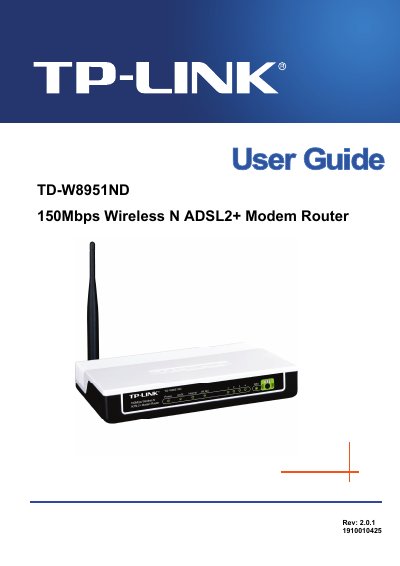
TP-Link TD-W8951ND Wireless N ADSL2+ Modem Router User Guide
This guide explains how to install, configure, and maintain the TP-Link TD-W8951ND 150Mbps Wireless N ADSL2+ Modem Router. It covers hardware installation, quick start procedures, detailed web‑based configuration, and advanced features such as firewall, QoS, and VLAN.
The manual also includes troubleshooting tips, LED status explanations, and a full specification table. Appendices provide regulatory information and a list of package contents, helping users verify they have all required accessories.
TP-Link TD-W8951ND specifications
| LAN ports | Four 10/100Mbps Auto‑Negotiation RJ45 ports (Auto MDI/MDIX) |
|---|---|
| Phone port | One RJ11 port |
| Downstream data rate | Up to 24 Mbps |
| Upstream data rate | Up to 3.5 Mbps (Annex M enabled) |
| Maximum line length | 6.5 km |
Source: TP-Link TD-W8951ND Wireless N ADSL2+ Modem Router User Guide
All TP-Link TD-W8951ND documents by type
Day-to-day operation, settings and troubleshooting. Start here if the product is already set up.
Questions answered in these manuals
What items are included in the TD‑W8951ND package?
The package should contain one TD‑W8951ND router, a power adapter, a quick installation guide, an RJ45 cable, two RJ11 cables, an ADSL splitter, and a resource CD.
From: TP-Link TD-W8951ND Wireless N ADSL2+ Modem Router User Guide
How can I restart the router to factory defaults?
Select Maintenance → SysRestart in the web interface and choose to restart with current settings or restore factory defaults.
From: TP-Link TD-W8951ND Wireless N ADSL2+ Modem Router User Guide
How do I quickly set up the TD‑W8951ND?
Use the Easy Setup Assistant Utility, which supports Windows 2000/XP/Vista/Windows 7 and provides quick, hassle‑free installation.
From: TP-LINK TD-W8951ND 150Mbps Wireless N ADSL2+ Modem Router Manual
What wireless speed does the TD‑W8951ND support?
It supports wireless speeds up to 150 Mbps, offering up to nine times the speed of legacy 11g products.
From: TP-LINK TD-W8951ND 150Mbps Wireless N ADSL2+ Modem Router Manual