
Key facts
Start here
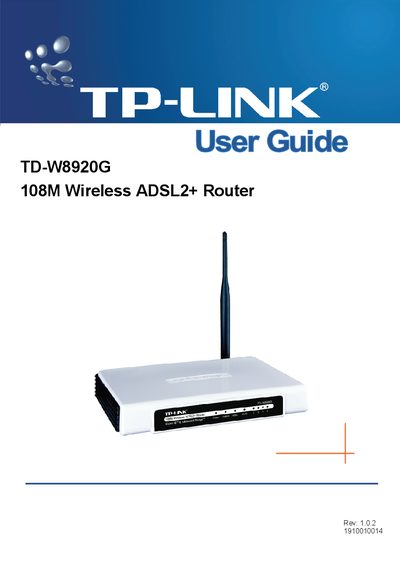
TP-Link TD-W8920G 108M Wireless ADSL2+ Router User Guide
The TD-W8920G 108M Wireless ADSL2+ Router is a plug‑and‑play solution that combines a 4‑port Ethernet switch, firewall, NAT router and dual‑band wireless (802.11b/g) for small‑office/home‑office environments. It supports ADSL2+ broadband, various security features such as WEP/WPA/WPA2 encryption, MAC filtering and parental controls, and can be managed via a web‑based utility.
The guide covers hardware installation, quick setup, wireless LAN configuration, diagnostics, and management functions. It also includes a glossary of networking terms and a full specification table for reference.
TP-Link TD-W8920G specifications
| Downstream data rate | Up to 24 Mbps |
|---|---|
| Upstream data rate | Up to 3.5 Mbps (Annex M) |
| Ethernet ports | 4 |
| Wireless data rates | Up to 108 Mbps |
| Operating temperature | 0 °C to 40 °C |
All TP-Link TD-W8920G documents by type
Day-to-day operation, settings and troubleshooting. Start here if the product is already set up.
Mounting, wiring and first power-up. Read it before the hardware goes in.
Questions answered in these manuals
What wireless standards does the TD‑W8920G support?
It supports 802.11g and 802.11b wireless devices.
How many Ethernet ports are available on the device?
The router provides four Ethernet ports.
How many LAN ports does the TD‑W8920G router have?
It has four 10/100M auto‑negotiation RJ45 ports.
From: TP-Link TD-W8920G 108M Wireless ADSL2+ Router User Guide
What is the SSID used for?
The SSID is a up‑to‑32‑character alphanumeric key that identifies a wireless LAN.
From: TP-Link TD-W8920G 108M Wireless ADSL2+ Router User Guide