
Key facts
- Brand
- TP-Link
- Model
- WR541G
- Documents
- 2
- Languages
- EN · ZH
- Last added
- 2012-06-04
Start here
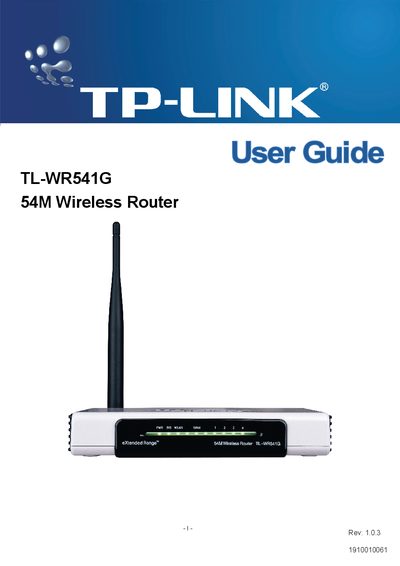
TP-Link TL-WR541G 54Mbps Wireless Router User Guide
This guide introduces the TL‑WR541G 54Mbps wireless router, outlines its hardware layout, and explains the basic concepts of wireless networking. It includes safety and regulatory information, such as FCC and CE compliance, and lists the package contents.
The manual walks you through connecting the router, performing a quick installation, configuring wireless settings, security features, DHCP, port forwarding, DMZ, firewall, and advanced system tools. Appendices cover PC configuration, detailed specifications, and a glossary of networking terms.
TP-Link WR541G specifications
| Maximum data rate | 54 Mbps |
|---|---|
| Frequency band | 2400.0‑2483.5 MHz |
| Regulatory class | Class B |
All TP-Link WR541G documents by type
Day-to-day operation, settings and troubleshooting. Start here if the product is already set up.
Mounting, wiring and first power-up. Read it before the hardware goes in.
Questions answered in these manuals
What does the FCC statement say about interference?
The device must not cause harmful interference and must accept any interference it receives.
How can I restore the router to factory defaults?
Select the "Factory Defaults" option in the System Tools section to reset all settings to their original values.
How do I enable the PSP wireless function?
Make sure the PSP wireless indicator is lit before proceeding.
From: TP-Link WR641G/WR642G/WR541G/WR542G/WR340G Wireless Router PSP Connection Installation Guide
How do I select the connection mode for the PSP?
In Network Settings, choose the desired connection mode and then confirm the selection.
From: TP-Link WR641G/WR642G/WR541G/WR542G/WR340G Wireless Router PSP Connection Installation Guide