
Key facts
- Brand
- Ricoh
- Model
- 500SE
- Category
- Digital cameras
- Industry
- Electronics
- Documents
- 2
- Languages
- EN · ZH
- Last added
- 2012-07-09
Start here
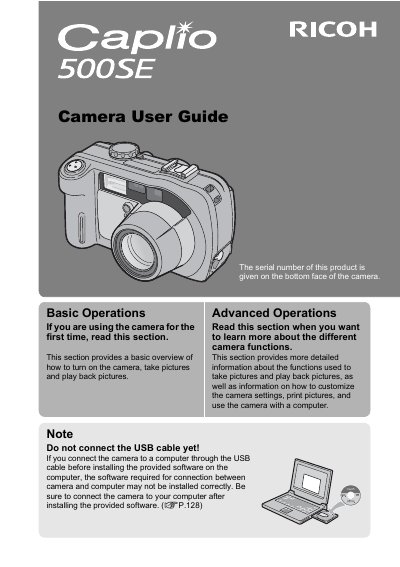
Ricoh Caplio 500SE Camera User Guide
This manual provides instructions for using the Ricoh Caplio 500SE digital camera, including basic operations such as turning the camera on, taking pictures, and playing back images. It also covers advanced functions like customizing settings, printing directly, and using wireless connectivity features.
Read onlineRicoh 500SE specifications
| Water/Dust/Shock Resistance | Water resistant (JIS grade 7, IEC IP67), dust resistant (JIS grade 6, IEC IP67), shock resistant (1 meter drop) |
|---|---|
| Zoom Lens | 3.0x optical zoom (28mm to 85mm equivalent) |
| LCD Monitor | 2.5-inch |
| Macro Shooting Distance | 1 cm (5 mm from the very front of the camera) |
| Built-in Flash Range | 10 m (wide-angle), 6.5 m (telephoto) |
All Ricoh 500SE documents by type
Day-to-day operation, settings and troubleshooting. Start here if the product is already set up.
Questions answered in these manuals
What should I do before connecting the camera to a computer?
Install the provided software on the computer first. Do not connect the USB cable before installing the software, or the connection may not work correctly.
How can I straighten skewed images?
Use the Skew correction mode to straighten rectangular objects shot at an angle.
How do I download images using RICOH Gate La?
Set the USB CONNECTION to ORIGINAL, turn on the camera, and RICOH Gate La starts automatically, transferring images to a folder in My Documents.
What should I do if the computer does not recognize the camera?
Insert the Caplio Software CD, run the hardware update wizard, and install the driver from the default WIA driver folder.