
This document is a camera user guide, which provides information on basic and advanced operations of the camera, as well as how to use the shooting and playback functions. It also includes a warning about the software installation for connecting the camera to a computer.
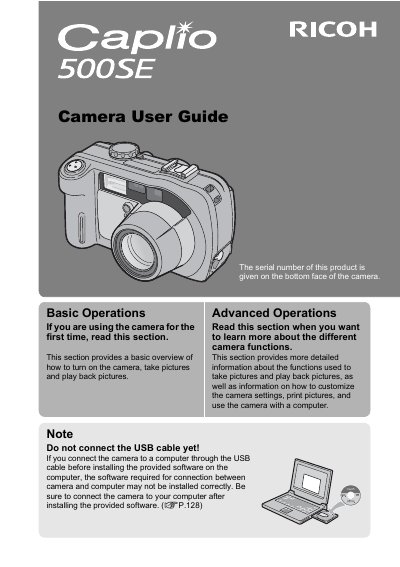
This manual provides instructions for using the Ricoh Caplio 500SE digital camera, including basic operations such as turning the camera on, taking pictures, and playing back images. It also covers advanced functions like customizing settings, printing directly, and using wireless connectivity features.
| Water/Dust/Shock Resistance | Water resistant (JIS grade 7, IEC IP67), dust resistant (JIS grade 6, IEC IP67), shock resistant (1 meter drop) |
|---|---|
| Zoom Lens | 3.0x optical zoom (28mm to 85mm equivalent) |
| LCD Monitor | 2.5-inch |
| Macro Shooting Distance | 1 cm (5 mm from the very front of the camera) |
| Built-in Flash Range | 10 m (wide-angle), 6.5 m (telephoto) |
Install the provided software on the computer first. Do not connect the USB cable before installing the software, or the connection may not work correctly.
Use the Skew correction mode to straighten rectangular objects shot at an angle.
Yes, you can connect a Direct Print-compatible printer to the camera with the USB cable to transfer images directly.