
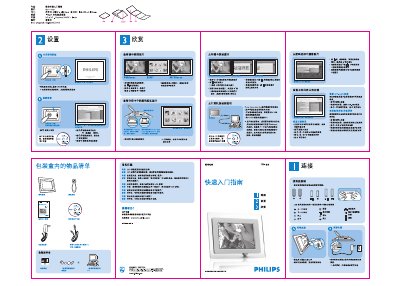
This guide introduces the Philips 7FF1 digital photo frame, describing its open (591 mm × 210 mm) and closed (148.5 mm × 210 mm) dimensions and basic operation. It shows how to turn the device on, select viewing modes, and navigate photos using the front and back buttons.
The manual also covers copying photos from a memory card, deleting images, setting brightness for day/night periods, choosing the interface language, and configuring automatic power‑on/off schedules. Frequently asked questions address screen touch capability, photo‑copy confirmation, and limitations such as the inability to delete or print photos directly from the frame. This manual is written in Chinese.
| Open dimensions | 591 mm (W) × 210 mm (H) |
|---|---|
| Closed dimensions | 148.5 mm (W) × 210 mm (H) |
No, the LCD screen does not have touch capability; you control the frame with the buttons on the back.
After copying, the screen displays a “photo copied” message as confirmation.
No, the frame can continuously show the same photo without harming the LCD screen.
No, the frame does not support deleting photos from external devices such as a memory card.