
This is a user manual for a Philips digital photo frame. The frame can be placed vertically or horizontally to fit the photos on display. Its internal rechargeable battery provides you the freedom to pass it around and show photos without the power cord. Or, you can place it somewhere in the room for constant PhotoFrame™ by connecting it to the main.
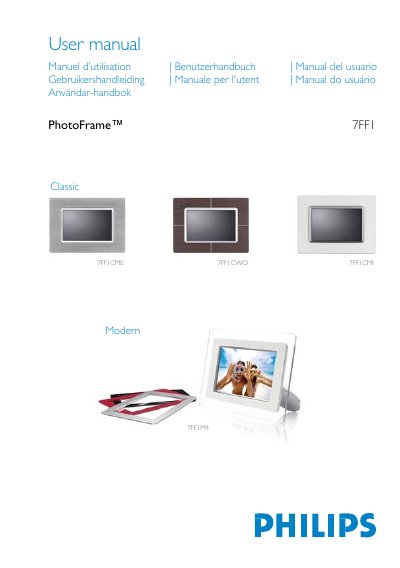
This manual explains how to set up and use the Philips 7FF1M4 PhotoFrame digital frame. It covers unpacking, initial configuration, power options, and basic navigation using the rear control keys.
The guide includes detailed sections on viewing modes, photo management (copy, delete, rotate), supported memory cards, display specifications, language selection, and accessories that come with the product. Safety and disposal information are also provided.
| Effective display area | 137 x 91 mm (5.4" x 3.6") |
|---|---|
| Resolution | 720 x 480 pixels |
| Brightness | 200 nits |
| Viewing angle (horizontal) | -85° to 85° |
| Backlight half‑life | 20,000 hours |
| Supported card types | SD, MMC, Memory Stick (MS, MS Pro), Compact Flash (type I) |
| Maximum photo resolution | 12 MP JPEG |
| Internal memory capacity | 50 photos or more |
| Power LED indicator | Green when on |
| Battery LED indicator | Orange when charging |
| Power modes | Battery powered, AC powered |
Slide the power switch up to the ON position; the power LED will turn green and the startup screen appears.
The package contains an AC power adaptor (100‑240 V), a USB cable, a quick‑start guide, and a CD‑ROM with the full user manual.
Insert a Compact Flash card with the larger slot end first and face down, or insert an SD/MMC/Memory Stick card with the smaller slot end first and face up until it locks in place.