
Key facts
Start here
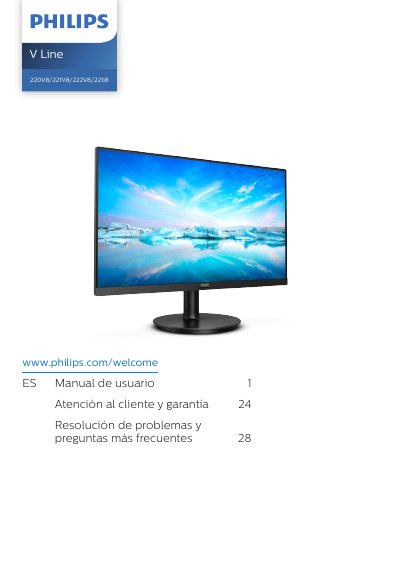
Philips V Line 220V8/221V8/222V8/221i8 Monitor User Manual
This Philips V Line monitor user manual covers the 220V8, 221V8, 222V8, and 221i8 models. It begins with important safety and maintenance information, then explains monitor setup, use, stand removal, and image optimization with SmartImage and SmartContrast.
Later sections cover Adaptive Sync for 221i8/221V8/222V8, technical specifications and preset modes, power management, Philips pixel defect policy, customer care and warranty, troubleshooting, and general FAQs. This manual is written in Spanish.
Philips 220V8/221V8/222V8/221i8 specifications
| Operating temperature | 0–40 °C (32–104 °F) |
|---|---|
| Operating humidity | 20–80% RH |
| Maximum downward tilt | -5 degrees |
| Adaptive Sync support | 221i8/221V8/222V8 |
Source: Philips V Line 220V8/221V8/222V8/221i8 Monitor User Manual
All Philips 220V8/221V8/222V8/221i8 documents by type
Day-to-day operation, settings and troubleshooting. Start here if the product is already set up.
Questions answered in these manuals
What should I do if I will not use the monitor for a long time?
Disconnect the monitor if you do not intend to use it for a long period.
From: Philips V Line 220V8/221V8/222V8/221i8 Monitor User Manual
How should I clean the monitor?
Disconnect the monitor before cleaning and use a slightly damp cloth. Do not use organic solvents such as alcohol or ammonia-containing liquids.
From: Philips V Line 220V8/221V8/222V8/221i8 Monitor User Manual
How often should I take a break to prevent eye fatigue?
It is recommended to rest for 5-10 minutes after using the screen continuously for 50-60 minutes.
From: Philips V Line 220V8/221V8/222V8/221i8 Monitor User Manual
What happens if I display static images for a long time without a screen saver?
It may cause permanent image retention (burn-in) that cannot be repaired and is not covered by the warranty.
From: Philips V Line 220V8/221V8/222V8/221i8 Monitor User Manual