
Philips V Line 220V8/221V8/222V8/221i8 Monitor User Manual

This manual provides usage instructions, safety precautions, installation guides, image optimization settings, technical specifications, and troubleshooting…
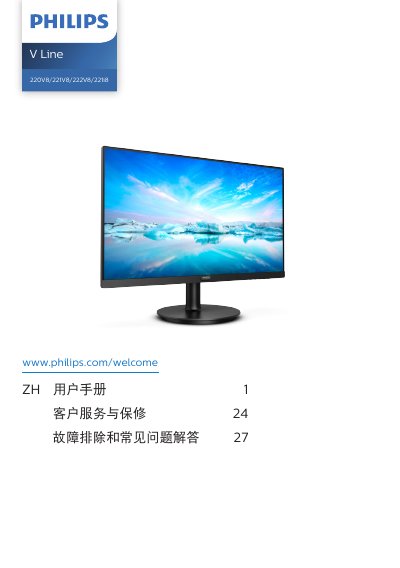

Philips V Line 220V8/221V8/222V8/221i8 Monitor User Manual - cover page
Brand
Philips
Category
Monitors
Document type
User Manual
Language
Chinese
Pages
33
File format
PDF
File size
3.6 MB
Published
25 October, 2026
Updated
25 October, 2026
MD5 checksum
F6AE1DD6EFFAF744F86B70FF9C4B2CE1

About this manual

This user guide covers the safe operation, setup, and maintenance of Philips V Line series monitors. It details how to install the stand, connect cables (VGA, DVI, HDMI, DisplayPort), and power on the device. The manual also explains the functions of the control buttons for accessing the On-Screen Display (OSD) menu. This manual is written in Chinese.

What's inside

  • Safety Measures
  • Installation
  • Operating the Monitor
  • Image Optimization
  • Adaptive Sync
  • Technical Specifications
  • Power Management
  • Customer Service and Warranty
  • Troubleshooting

Frequently asked questions

How often should I take a break to prevent eye fatigue?

It is recommended to rest for 5-10 minutes after using the screen continuously for 50-60 minutes.

What happens if I display static images for a long time without a screen saver?

It may cause permanent image retention (burn-in) that cannot be repaired and is not covered by the warranty.

What are the operating temperature limits for this monitor?

The monitor should be used in an environment with a temperature between 0-40 ºC (32-104ºF).

Download PDF (3.6 MB)

More Philips Manuals


View all Philips manuals →