
Instructions for use of TL-WR641G 108M wireless router
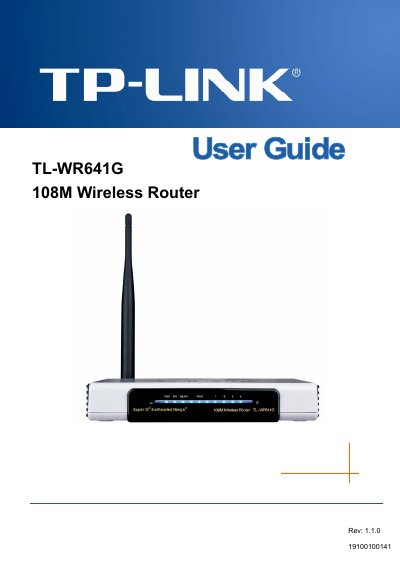
This guide introduces the TL‑WR641G 108Mbps Wireless Router, describing its integrated 4‑port switch, firewall, NAT router, and wireless AP functions. It explains the router’s compliance with IEEE 802.11b/g standards, 108 Mbps Super G technology, and extended‑range WLAN features.
The manual covers installation steps, TCP/IP configuration, security settings (WEP, WPA/WPA2, MAC filtering), advanced features such as virtual servers, DMZ, QoS, and system tools like firmware upgrade and backup. Appendices provide a FAQ, PC configuration tips, full specifications, and a glossary of networking terms.